KrayonCAD
What is KrayonCAD?

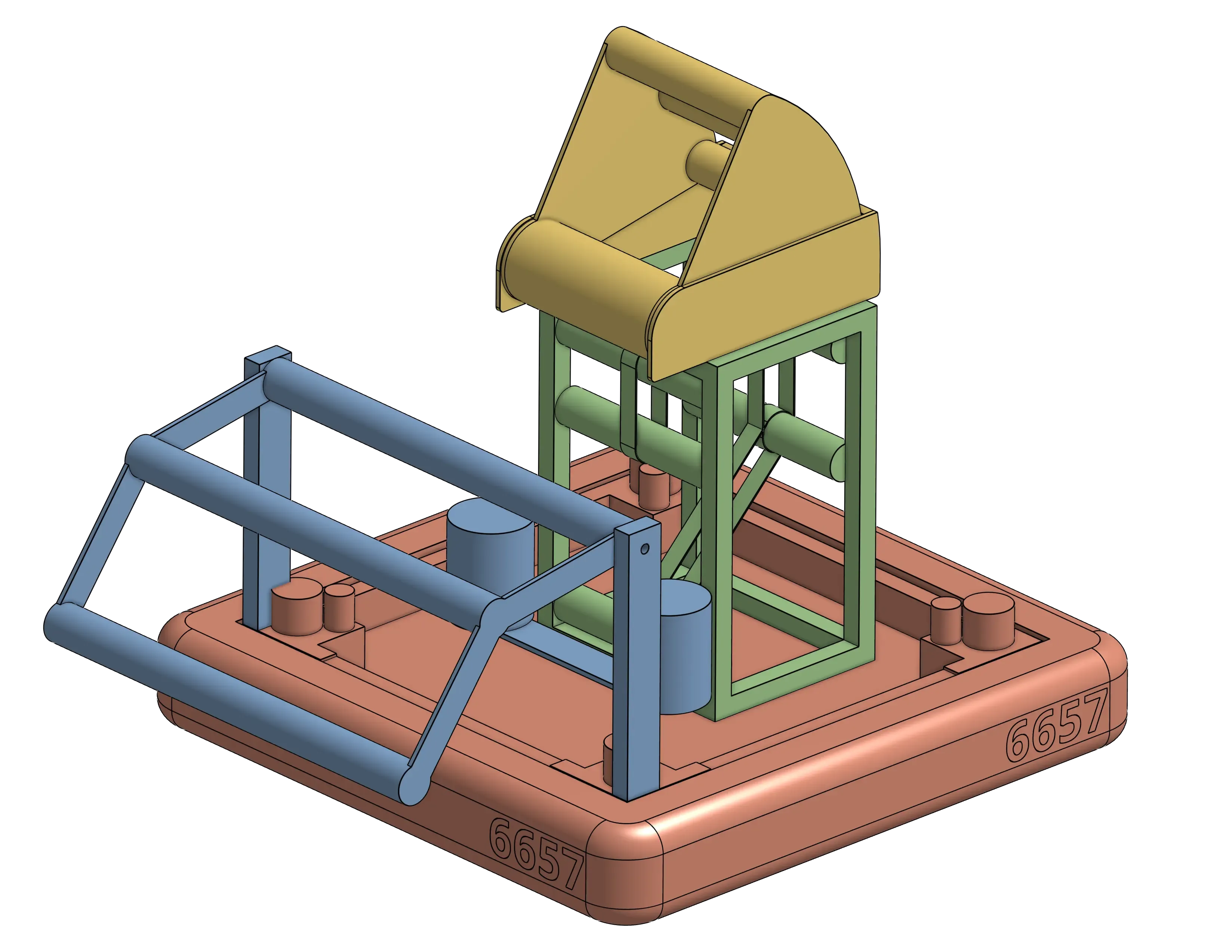
Section titled “What is KrayonCAD?”KrayonCAD is a collection of simplified, configurable Onshape assemblies for the most common FRC subsystems. These subsystems can be modified by changing just a few variables, allowing you to piece together a robot concept extremely quickly and efficiently. KrayonCAD Assemblies only contain the necessary parts to communicate design intent, while minimizing detail and part count to ensure quick load times.
Why should I use KrayonCAD?
Section titled “Why should I use KrayonCAD?”After brainstorming ideas for a new game, the first CAD iteration is sometimes a heavily simplified design, commonly referred to as “Crayola CAD.” This workflow is used by many teams, including team 254. This is where KrayonCAD comes in; using a library of configurable subsystems, KrayonCAD allows you to:
- Investigate robot architectures
- Budget space
- Verify geometries for robot designs
- Further flesh out robot designs to scale and in 3D
KrayonCAD is fast! You can go from an idea in your head or a sketch to a 3D model in minutes!
How do I use KrayonCAD?
Section titled “How do I use KrayonCAD?”KrayonCAD is a simple as 1, 2, 3:
-

Insert: From any Onshape assembly, use the FRCDesignApp to insert a KrayonCAD Assembly. You can configure the Assembly before inserting.
-
Configure: Right click a KrayonCAD Assembly in the parts list > Configure > change dimensions, check or uncheck boxes, and choose options from drop down lists to configure the assembly to your liking.
-
Mate: KrayonCAD Assemblies have mate connectors placed in strategic places to allow for easy mating using the Fasten and Revolute mate types.