
List of Featurescripts
Onshape has its own scripting language to create custom features to automate aspects of design called Featurescript. There are a lot of featurescripts (what we call the custom features) that make designing for FRC much easier.
The title of each featurescript or group of featurescripts links to its respective document. Right click the title and click “copy link address” for installing it to your profile using the process described on the featurescript help page.
Recommended
Section titled “Recommended”These featurescripts are must haves to enhance your Onshape workflow. Many of these are developed by members of the FRC community and well maintained.
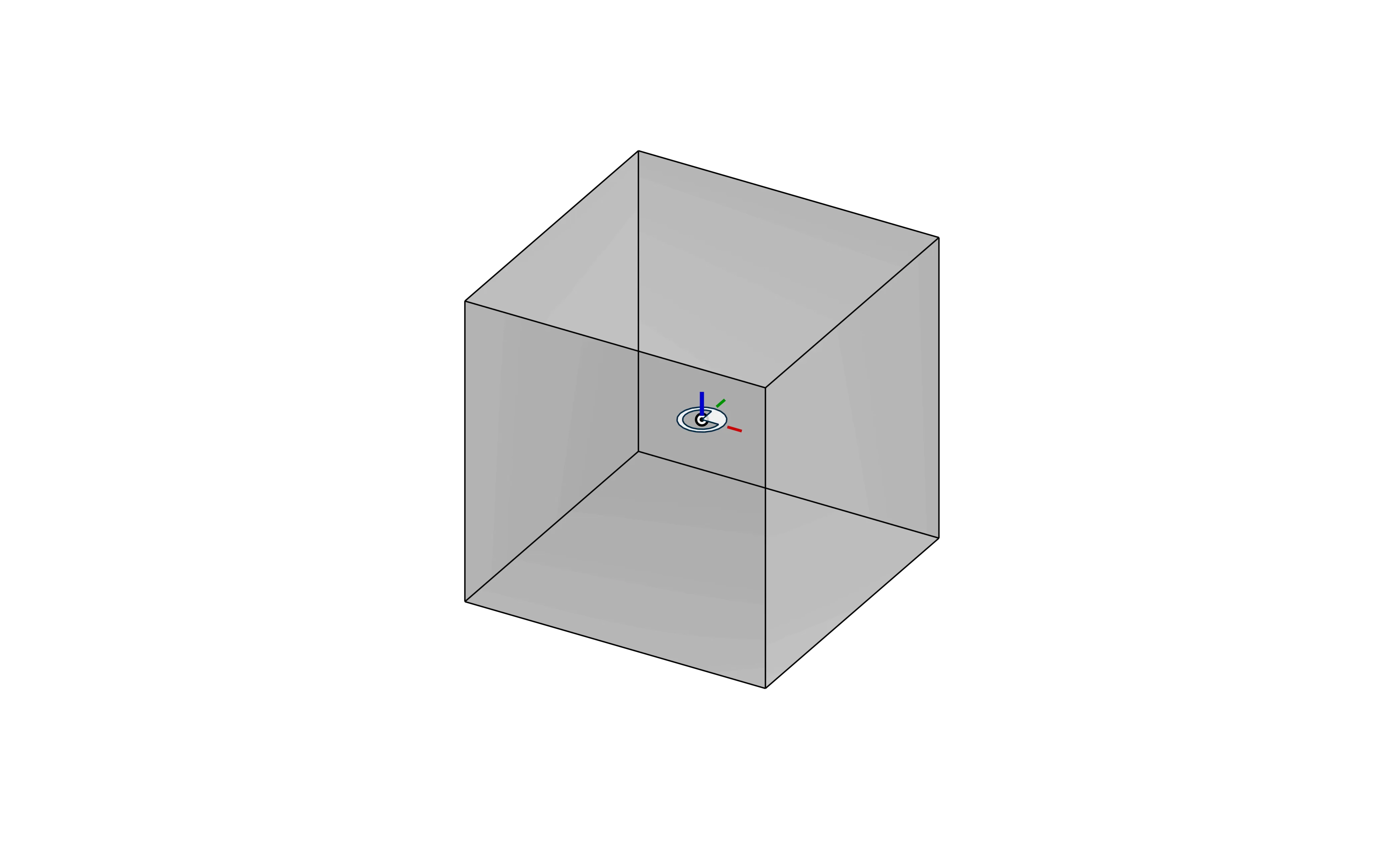
- Used to create an origin reference for assembly mating
- Optionally import design constants like bolt hole sizes, heat set insert hole sizes, etc
- Optionally import functions for calculating gear OD, pulley/sprocket pitch & outer diameters, and calculate belt/chain c-c distances
- See Assembly Best Practices for more information on usage
Video Example
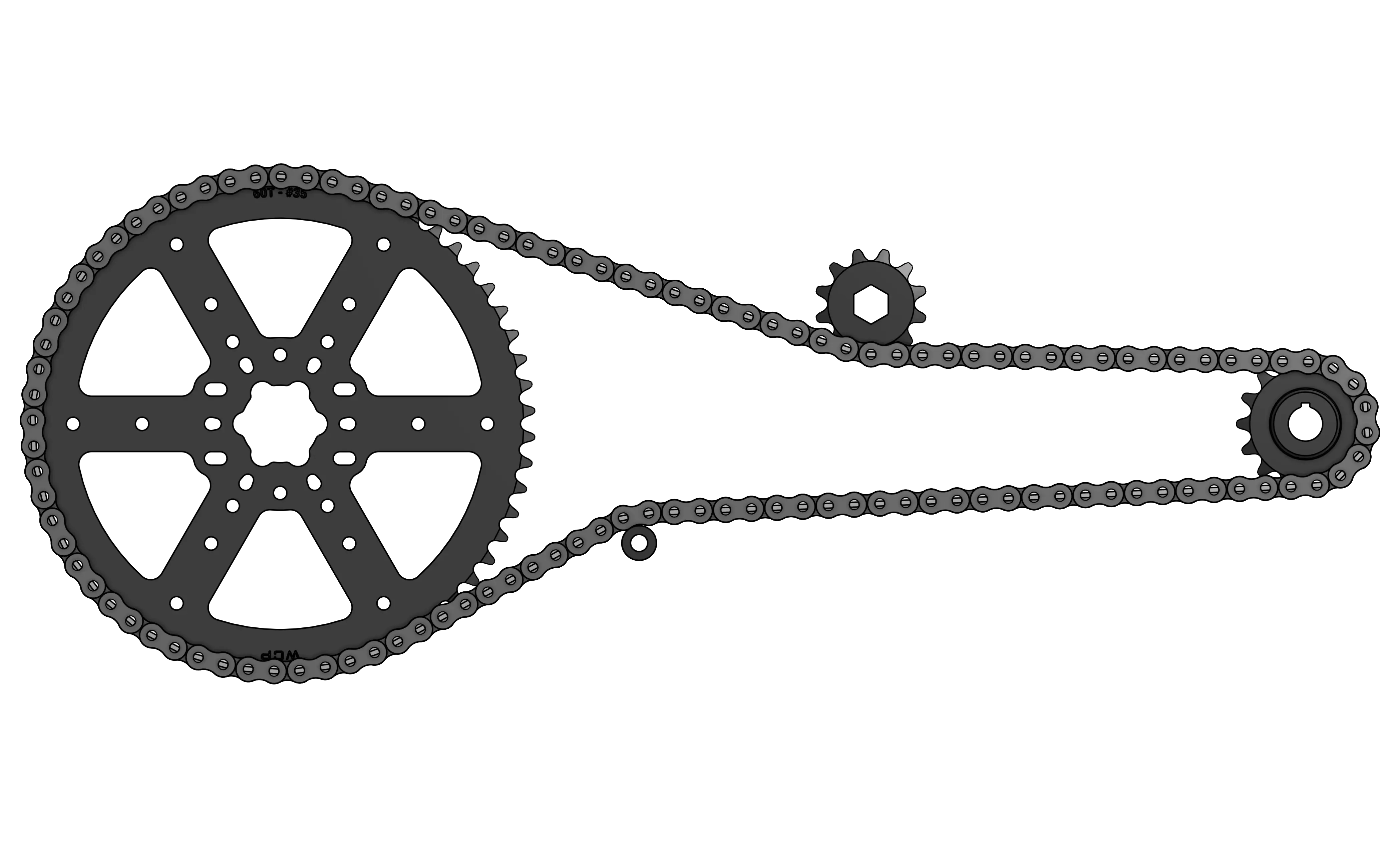
- Used in conjunction with Origin Cube FRC Functions to create highly customizable belts and chains
- Highly parametric - pulley/sprocket tooth count is automatically calculated from sketch pitch diameter.
- Create multi pulley, double sided belt, and multi sprocket transmissions with options for both toothed and round idlers
Video Example
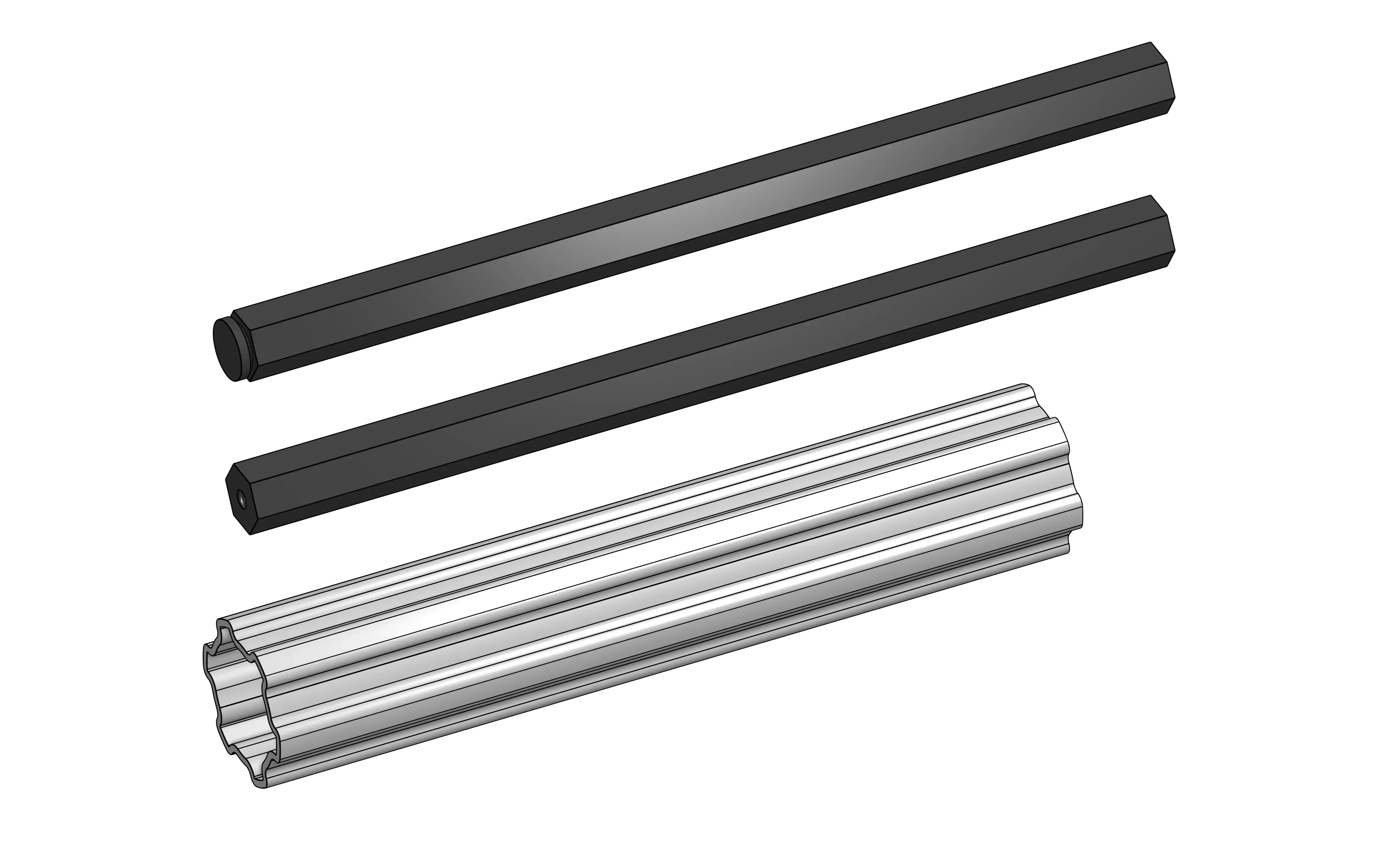
- Generates a shaft, with options for hex, rounded hex (13.75mm OD), MAXSpline, etc.
- Options for retention type on both ends
- Can be generated in-place and with offsets
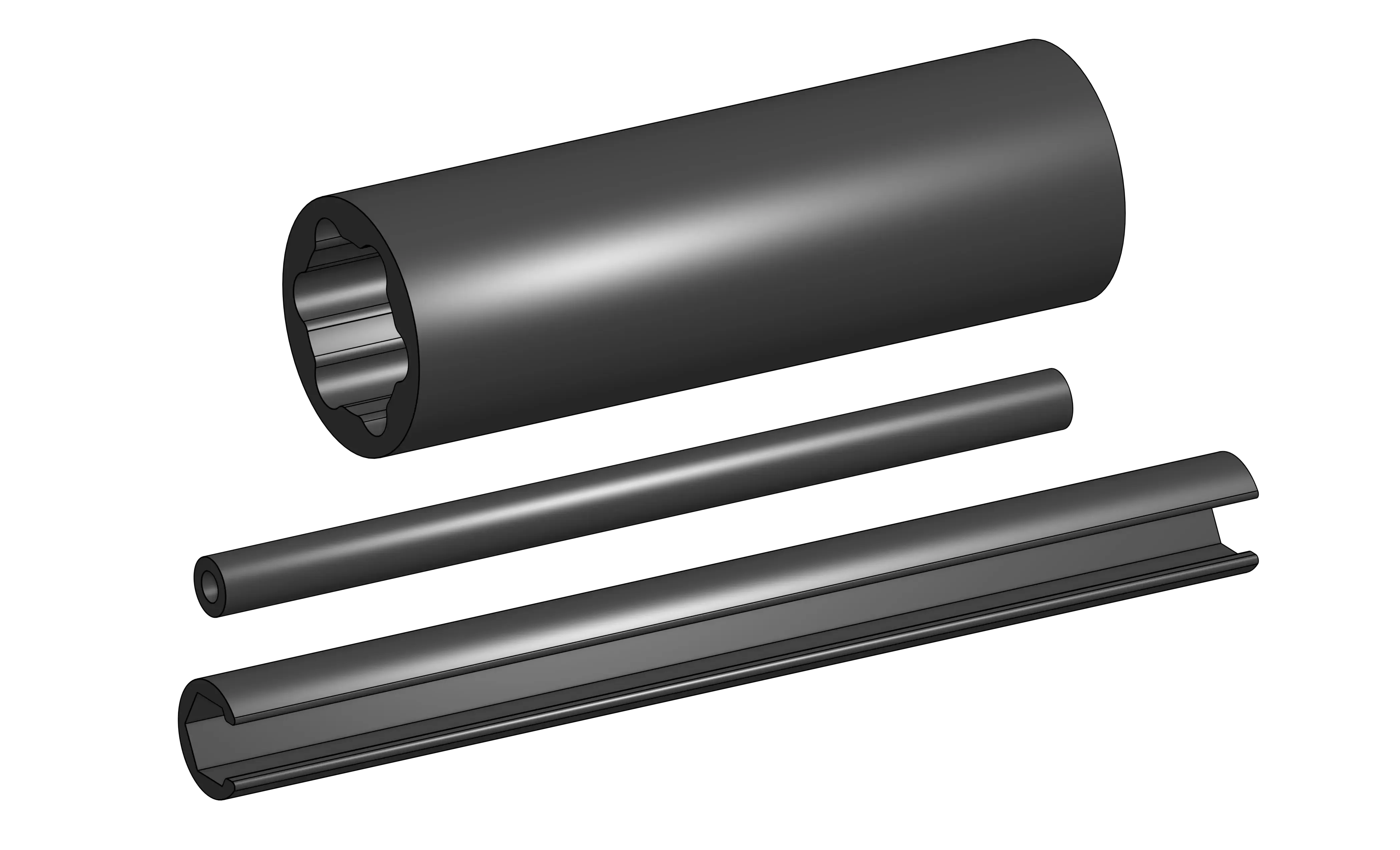
- Generates a spacer, with options for round, 3/8” hex, 1/2” hex, MAXSpline, etc.
- Can be generated in-place and with offsets
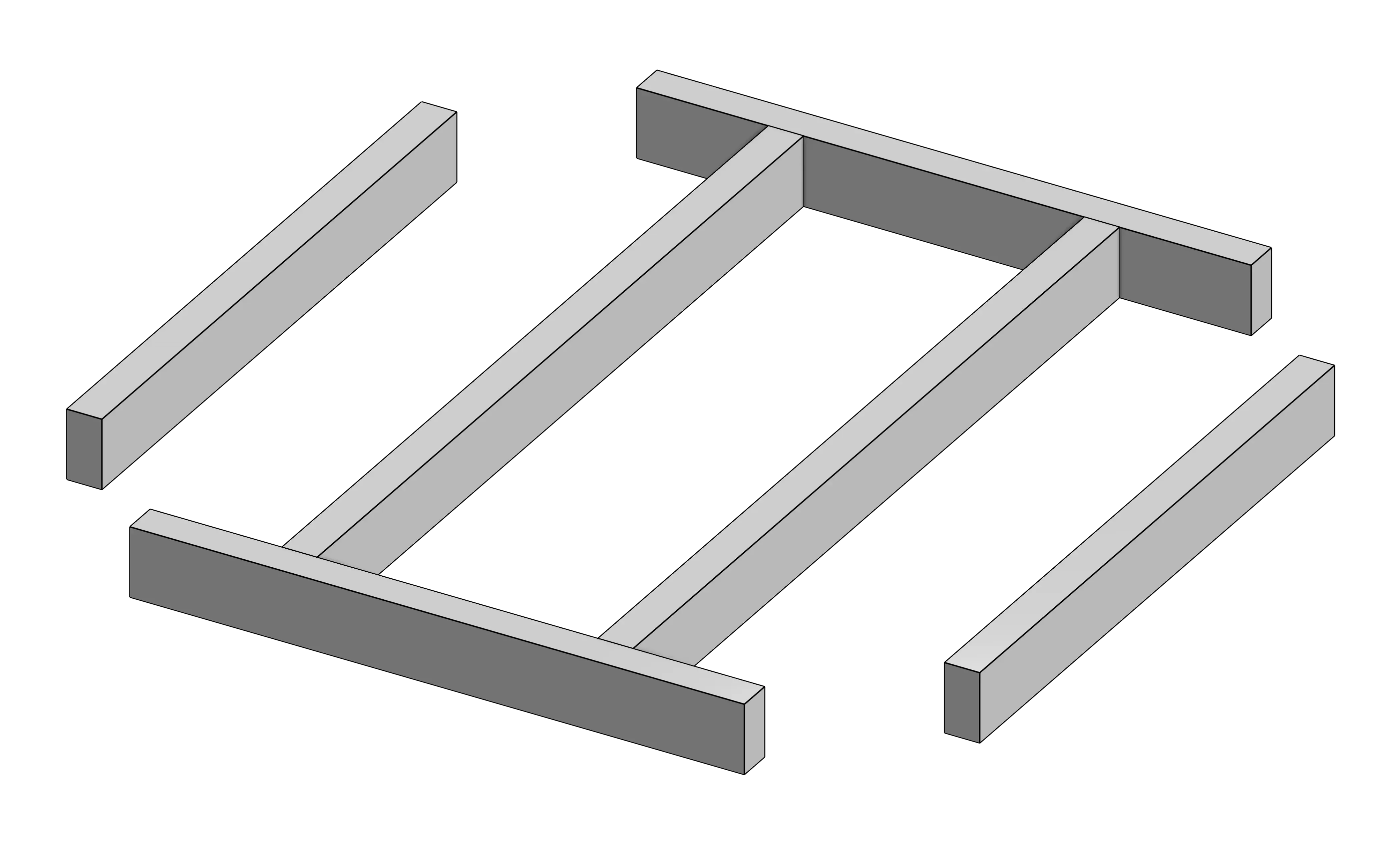
- Can extrude multiple regions as different parts with one feature, even if regions are adjacent
- Commonly used with tube converter to make punched aluminum tubes from a top view sketch
Video Example
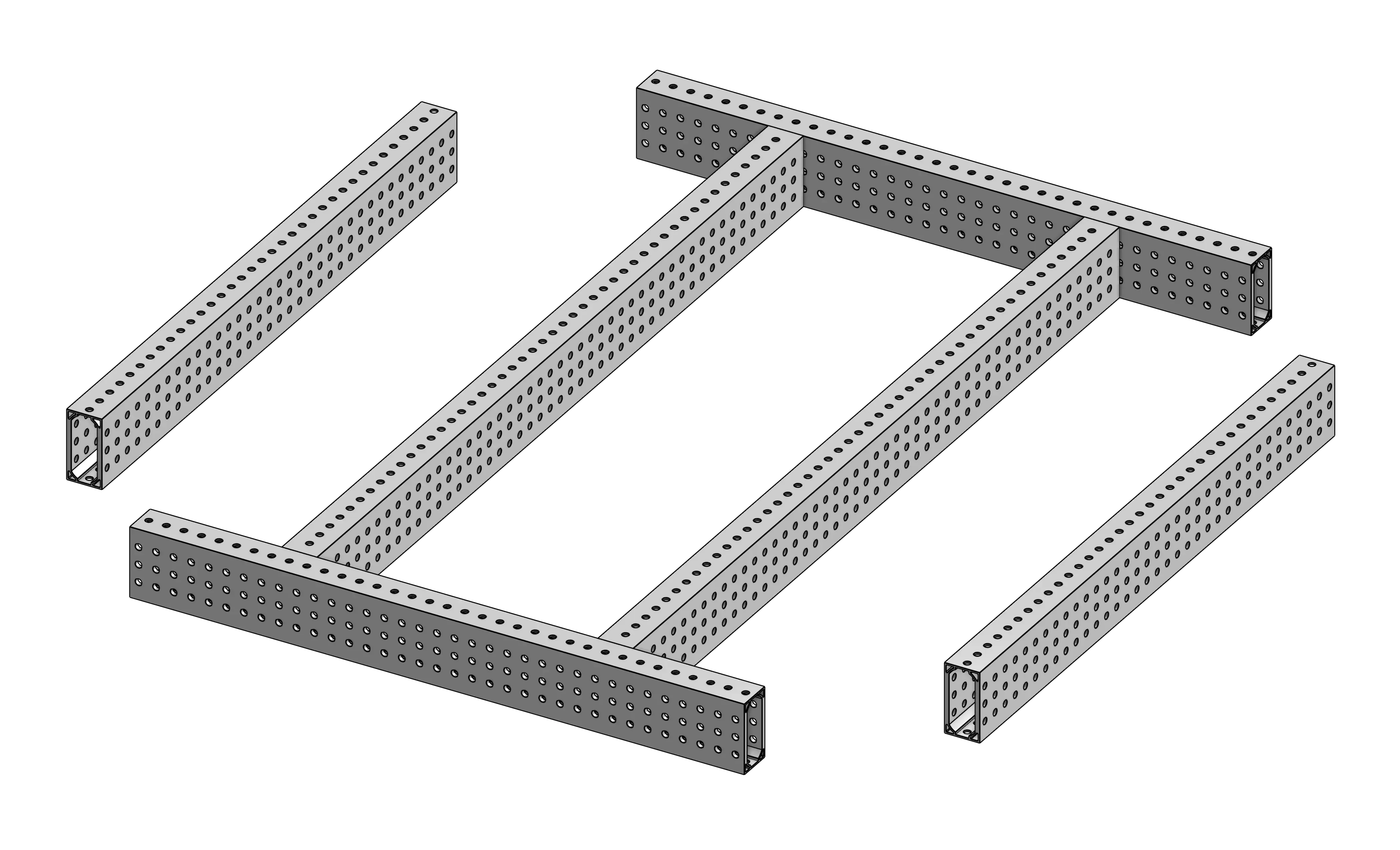
- Converts extrusions into punched tube, with customization and presets for hole pattern, wall thickness, and profile.
- Can be slow - try moving to the end of the part studio
Video Example
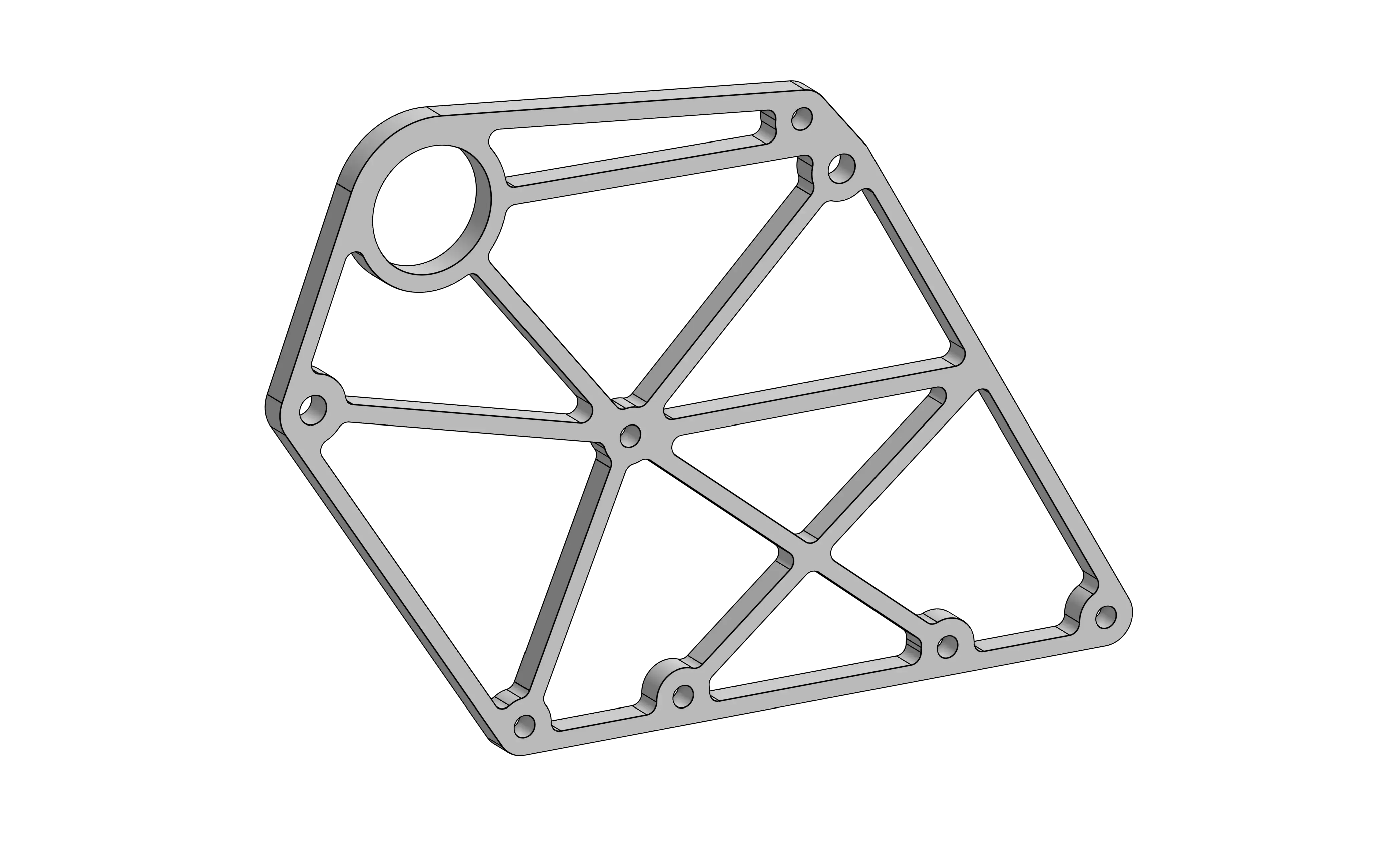
- Better control over ribs, cut depth, fillets, etc.
- Gives a nice estimate of how much weight is being saved
Video Example
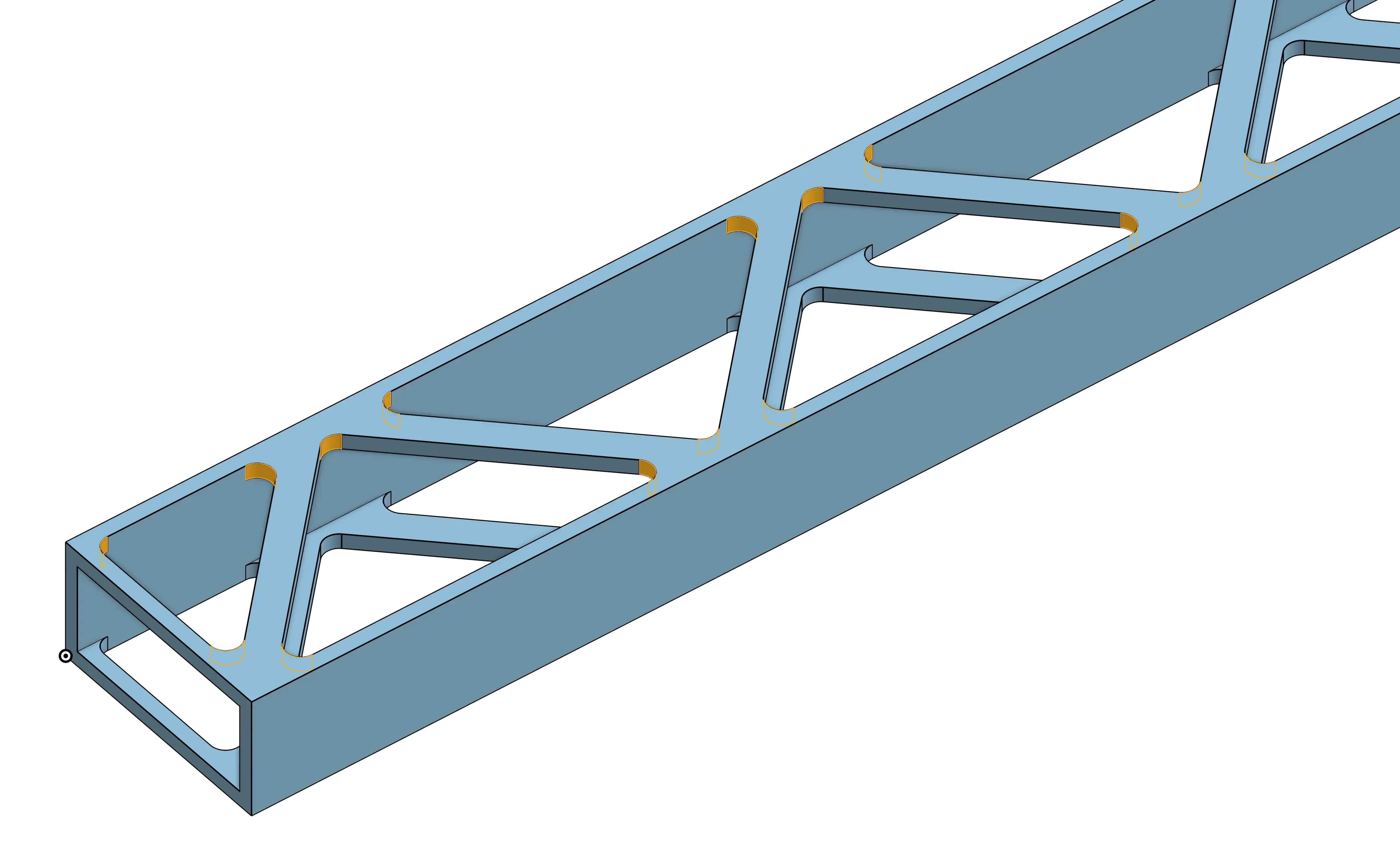
- After selecting a face, it adds a fillet to the corners of that face (all edges normal to the selected face)
Video Example
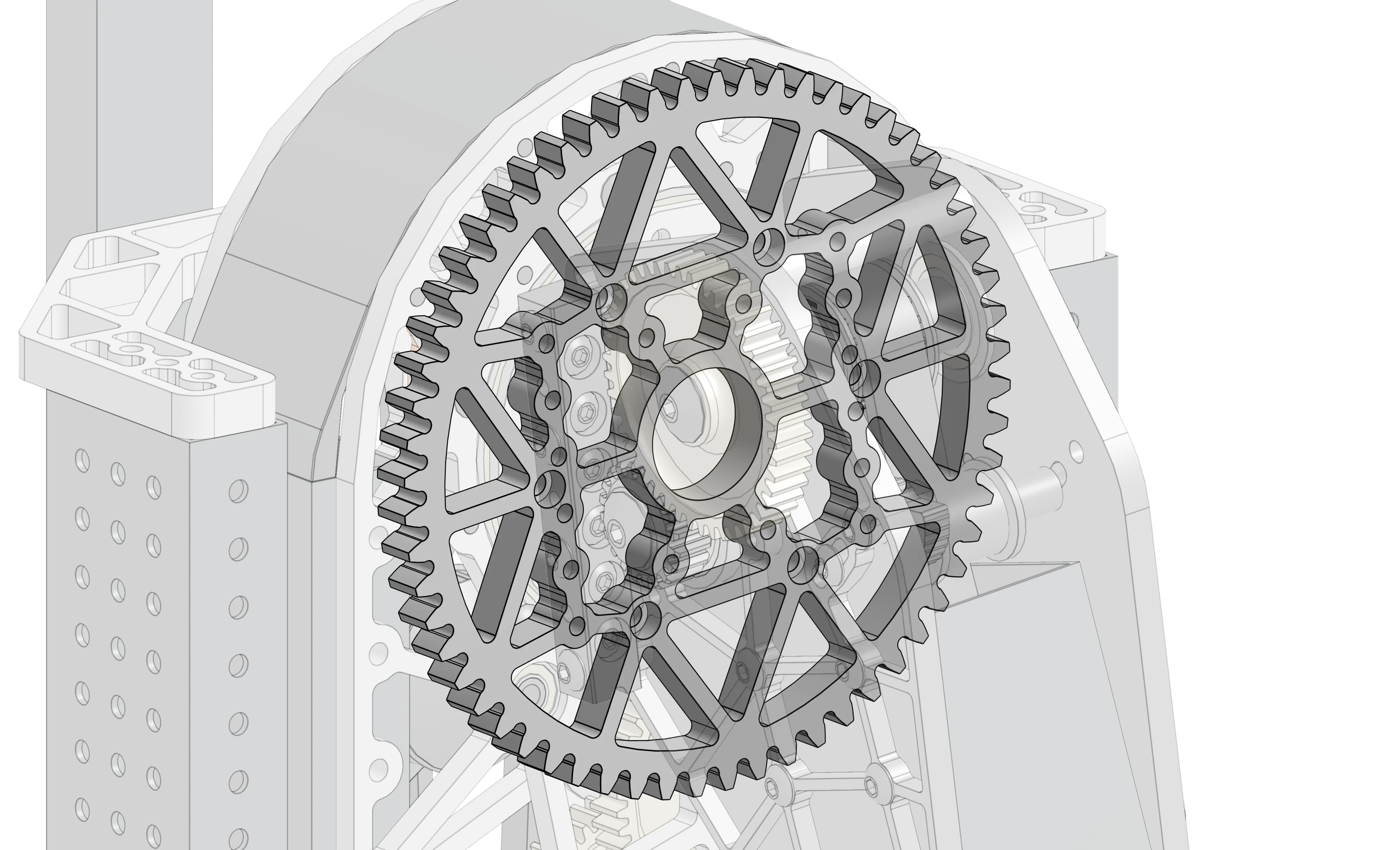
- Generates a spur gear with with many different options
- Can be useful for 3D-printed parts and custom sector gears
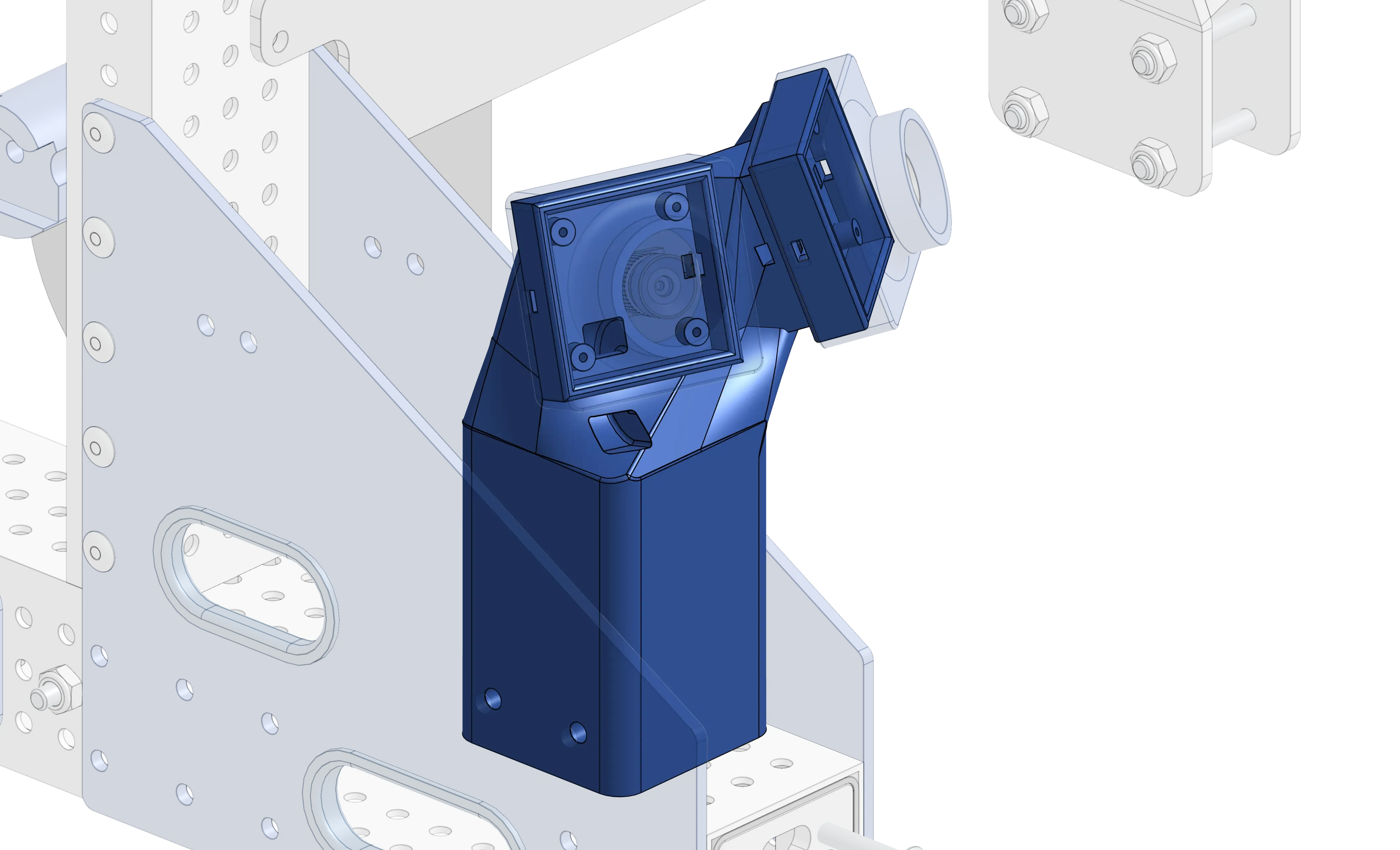
- Modifies 3D-printed parts to have accurate mass with given material, infill, and wall thickness
Video Example
Bundles
Section titled “Bundles”The below links contain several featurescripts each that you can add all at once. The more useful featurescripts from each bundle are demonstrated further below.
Below is a list of other featurescripts that can be useful but are more niche.
Structure
Section titled “Structure”- Generate a gusset from hole selections
- Warning: Not a very parametric featurescript and causes lag, but can be useful in a pinch
- Creates a custom bearing hat given a set of mounting locations and a bearing hole
- Can create tapped holes
- Generates a spacer, with options for round, 3/8” hex, and 1/2” hex
Video Example
- Generates hole patterns for different electronic components using center points and mate connectors on sketches
- Incredibly useful, generates sketch profiles for a variety of things
- Profiles for COTS parts like Maxspline, TTB inserts, maxtube, motors, and the versa patern
- Profiles and holes for all electronics
- Profile generator for pulleys and a spur gears
- Creates an inside or outside profile/extrusion of MAXSpline or SplineXL
- Has all the standard extrude parameters
Power Transmissions
Section titled “Power Transmissions”- Creates a set of pulleys in the part studio given belt curves or mate connectors
- Configurable belt and pulley generation
- Belt width, pulley tooth count, offset and fit adjustment, belt type, etc.
- Options for bore and flanges for both pulleys
- Generates GT2 pulleys
- Generate a sprocket for common types of chain
- Calculates whether or not an inline chain tensioner will fit on a chain transmission
- For when you are too lazy to do basic math
- Cuts a profile in a part at a given location and depth to fit a thriftybot insert into, for 3D-printed parts to stop them from stripping while being driven on an axle.
- Generates polycord and pulleys based off of selected points
Pocketing
Section titled “Pocketing”- Used for pocketing and lightening plates
- Uses sketch regions to determine pocket and rib placement
Video Example
- Creates a grid of holes on a part (e.g. a bellypan)
- Advanced lightening pattern generation
- Isogrid, hexagon, or circle pattern
- Patches specified pockets in a part
Manufacturing
Section titled “Manufacturing”- Given some derived plates, either transformed from an in-context assembly (to maintain part count) or derived from a part studio, it will automatically lay them out into sheets of a given size, sorted by thickness. This is used to prepare a file to route or waterjet parts out of material with a machine.
- Creates a table of measurements
- Great for creating cut lists for parts
- Highly configurable featurescript that generates tab joints between overlapping parts
- Options to make it easier for cnc routers to cut parts
- Can use for bumper wood corners
- Features to make it easier for cnc routers to cut cavities in parts
Onshape Functionality Extensions
Section titled “Onshape Functionality Extensions”- Can create a compound variable with path length, angle between edges, distance between planes, angle between planes, distance between points, pulley center distance, and chain center distance
- Very useful for complex belt and chain runs
- Include measurements that Onshape can’t normally do
- Give color to faces on a part retroactively
- Can use a variety of different color inputs
- Can be used for part color configurations
- Parametrically set materials and appearances of parts in batches
- Sets properties of parts in batches
- Numbers parts based off of a given standard
- Used for quickly applying a system to number parts