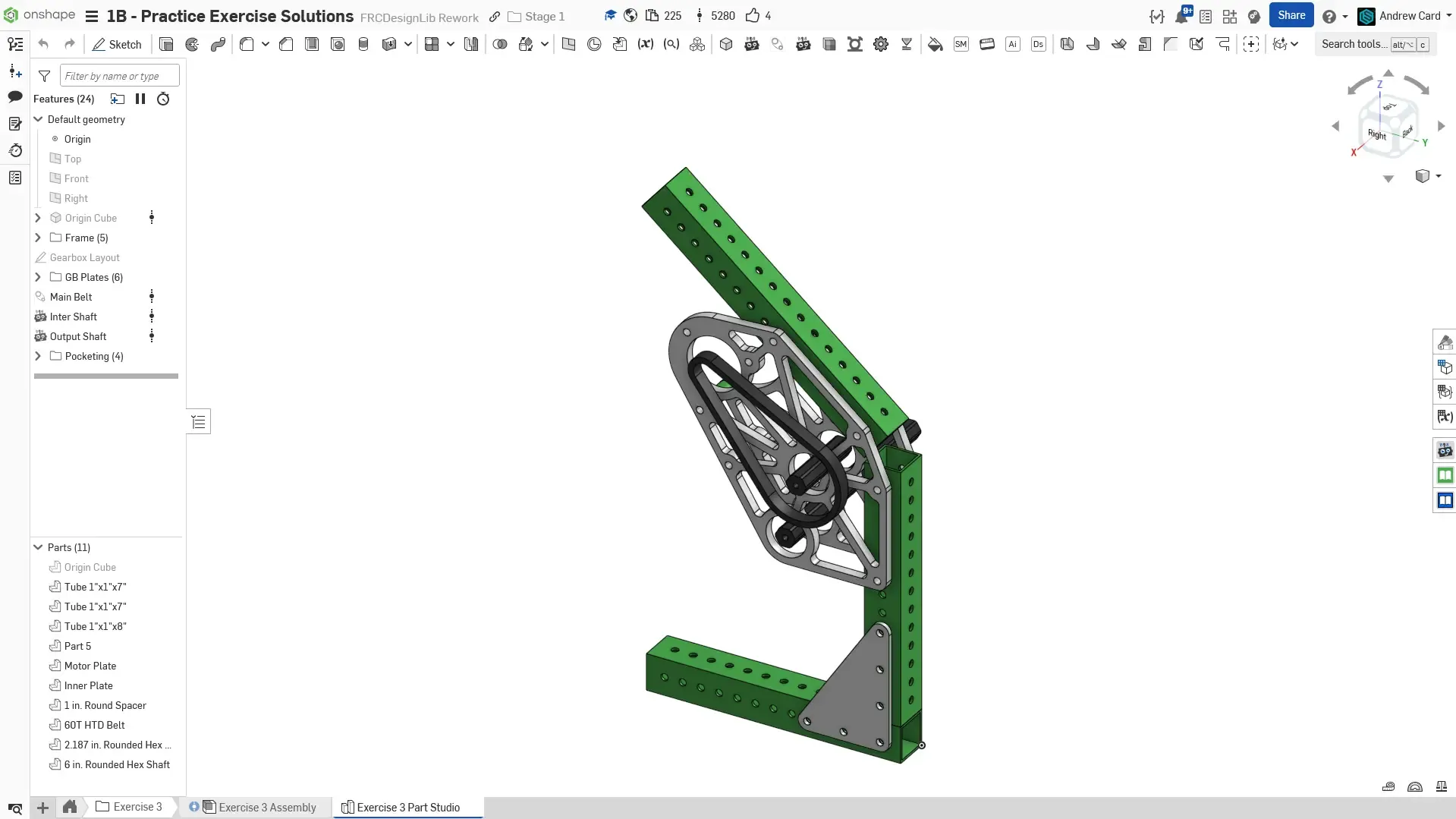
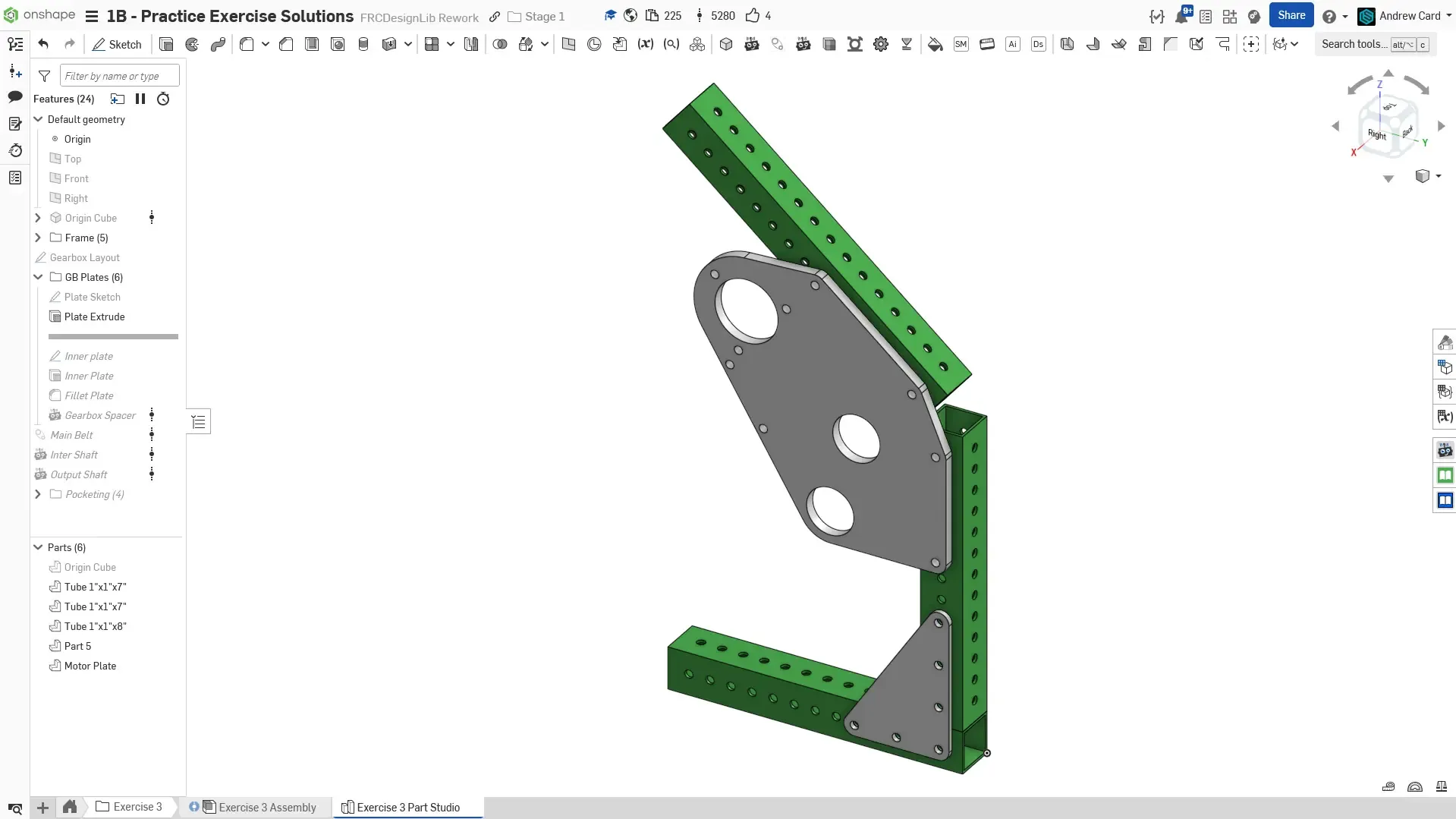
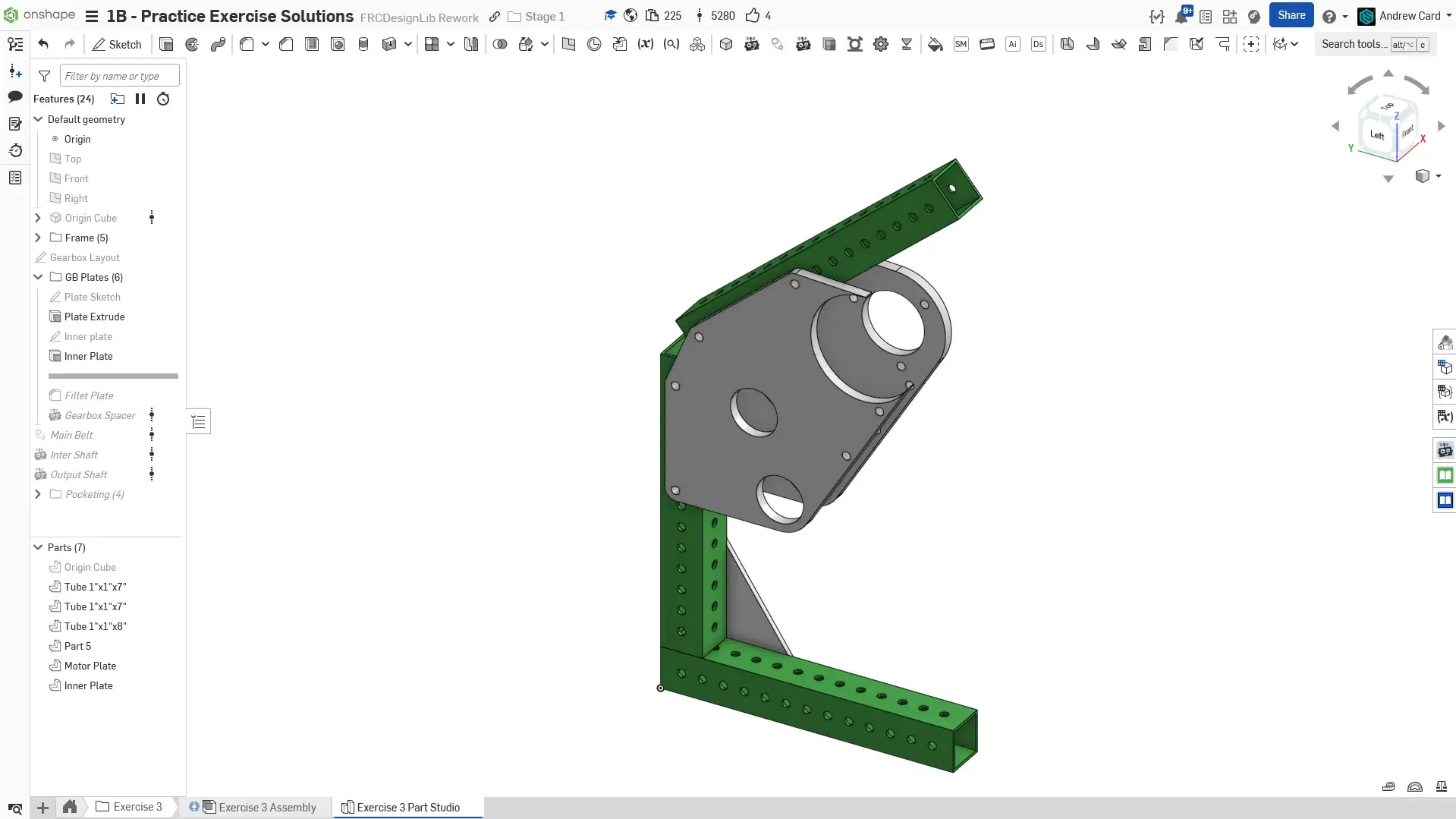
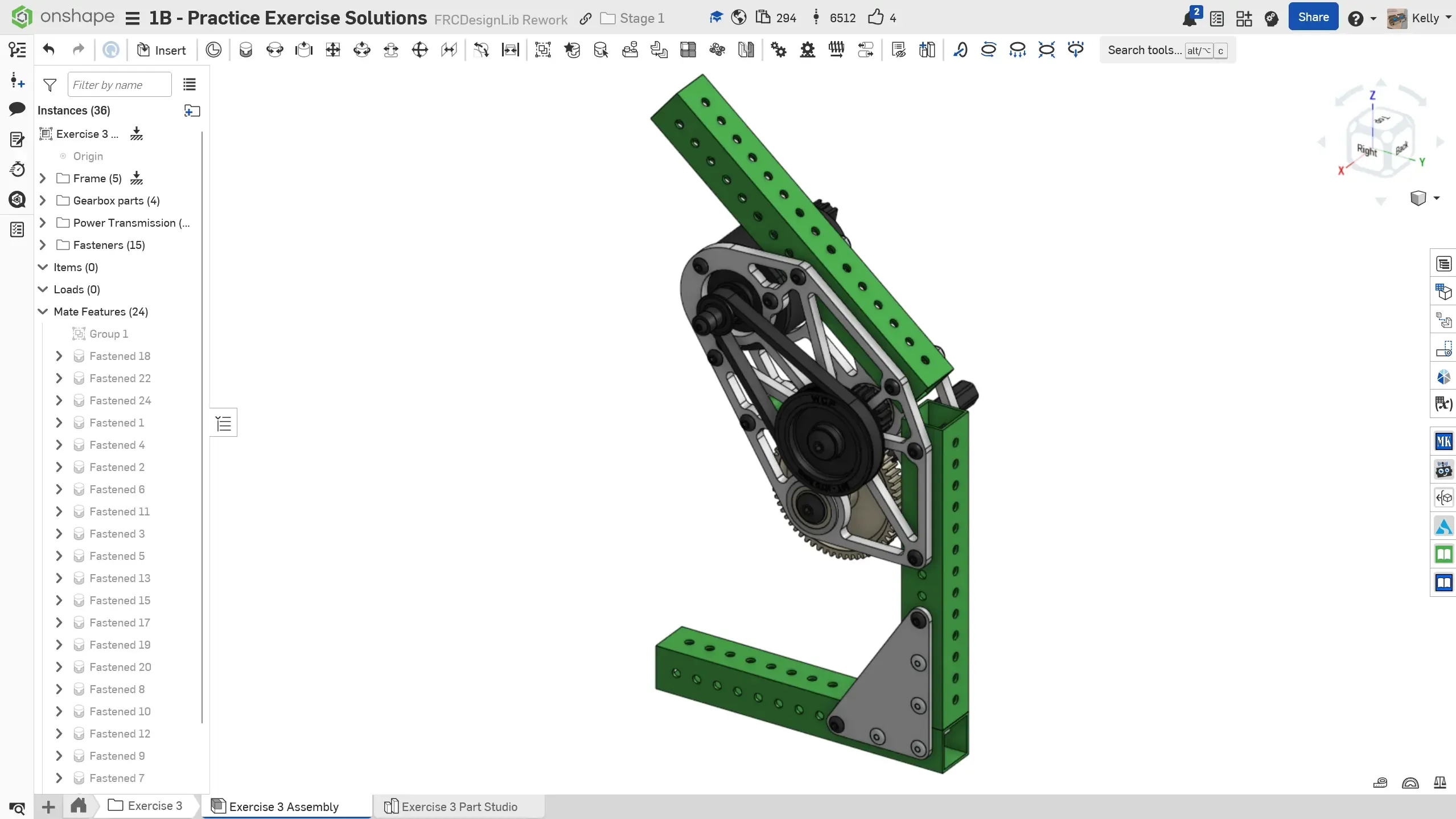
Final part studio.
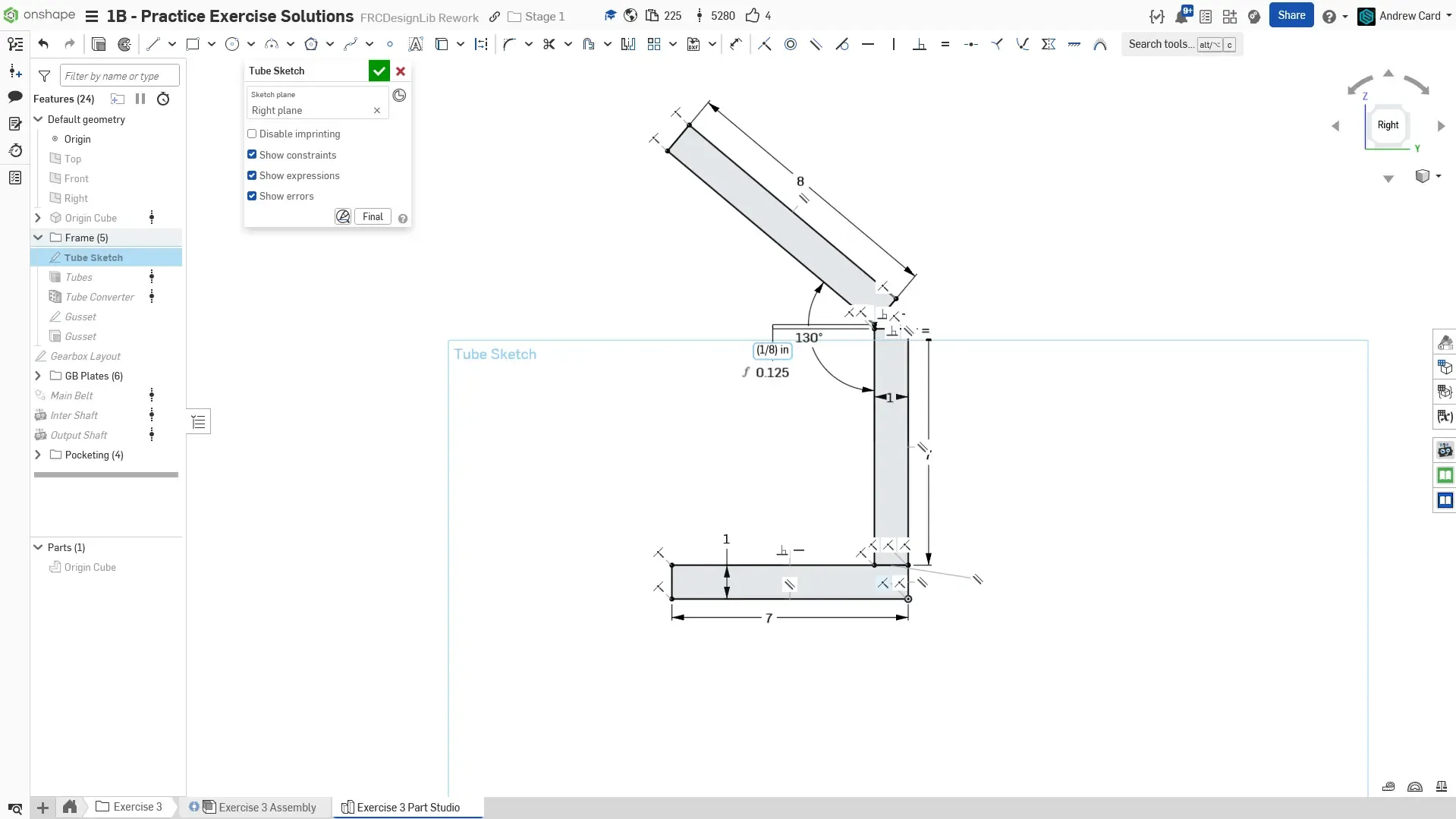
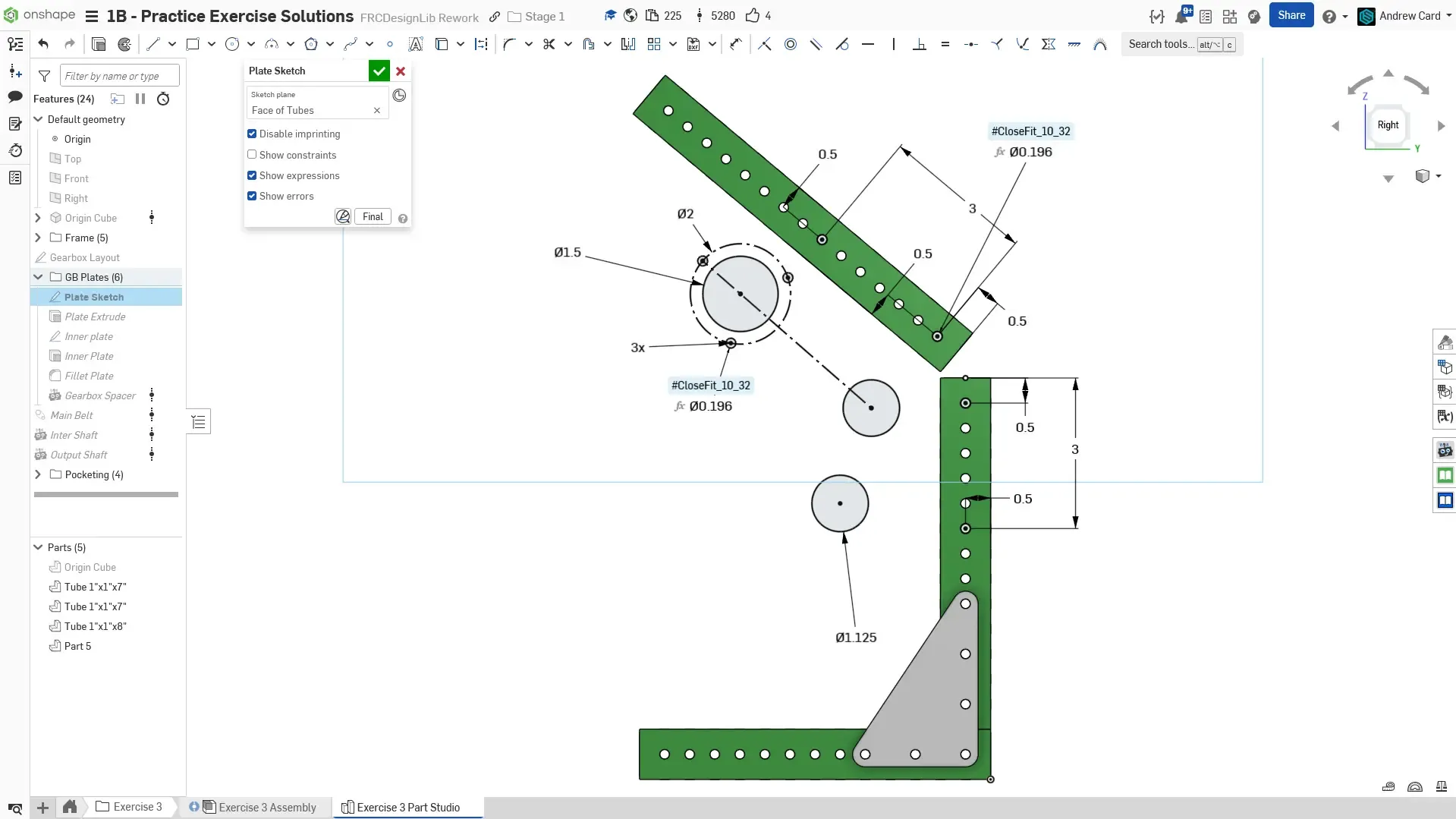
Begin by using the Origin Cube feature (so the belt functions can be used later). Then draw the tube profiles for the frame. There is a an 1/8” gap between the slanted tube and the vertical tube to allow for assembly tolerances.
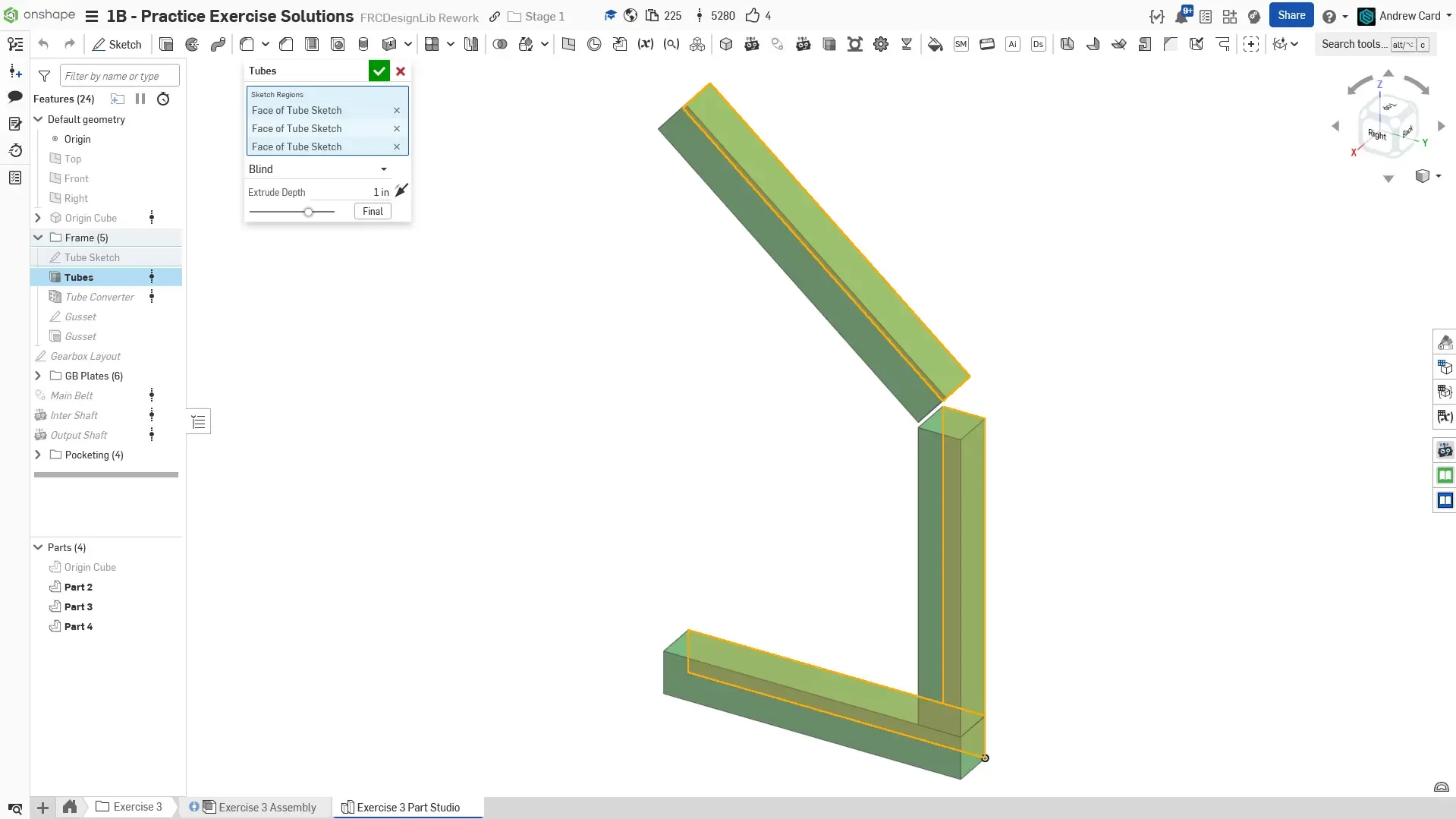
Use the Extrude Individual Featurescript to extrude the tube profiles.
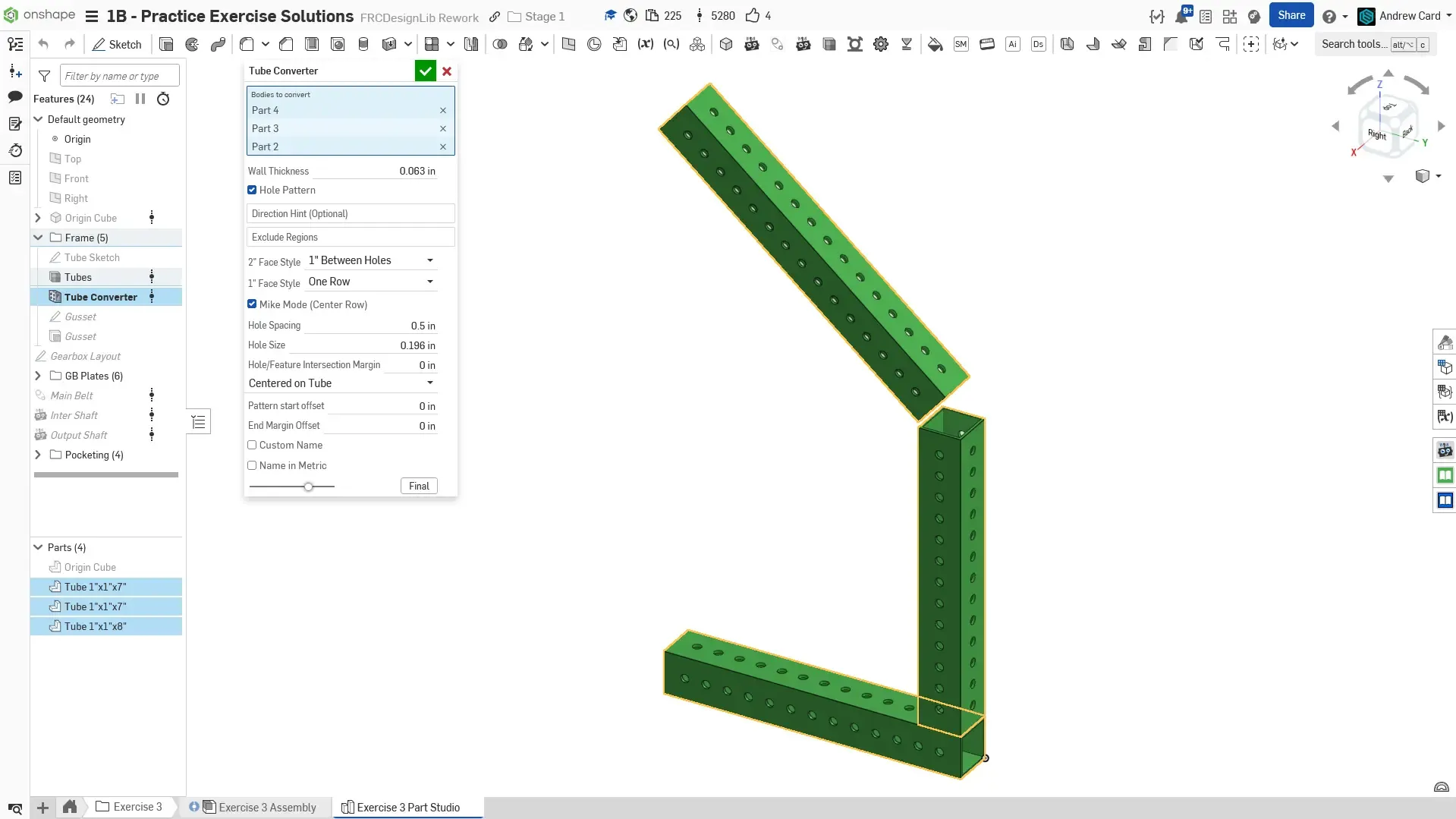
Use the Tube Converter Featurescript to convert the rectangles into hole patterned 1x1 thin-wall tube (1/16” thick wall).
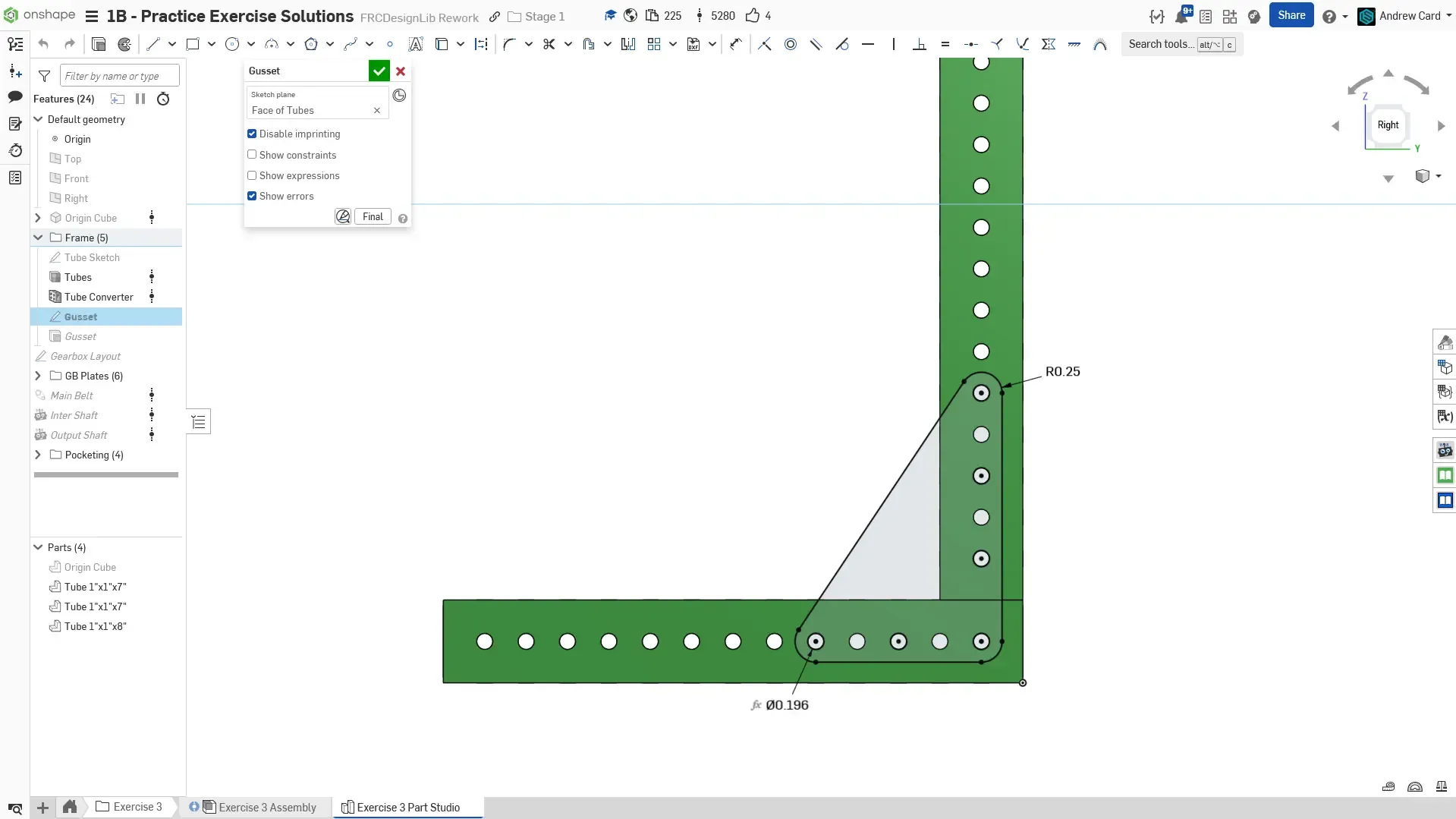
Sketch a simple L gusset
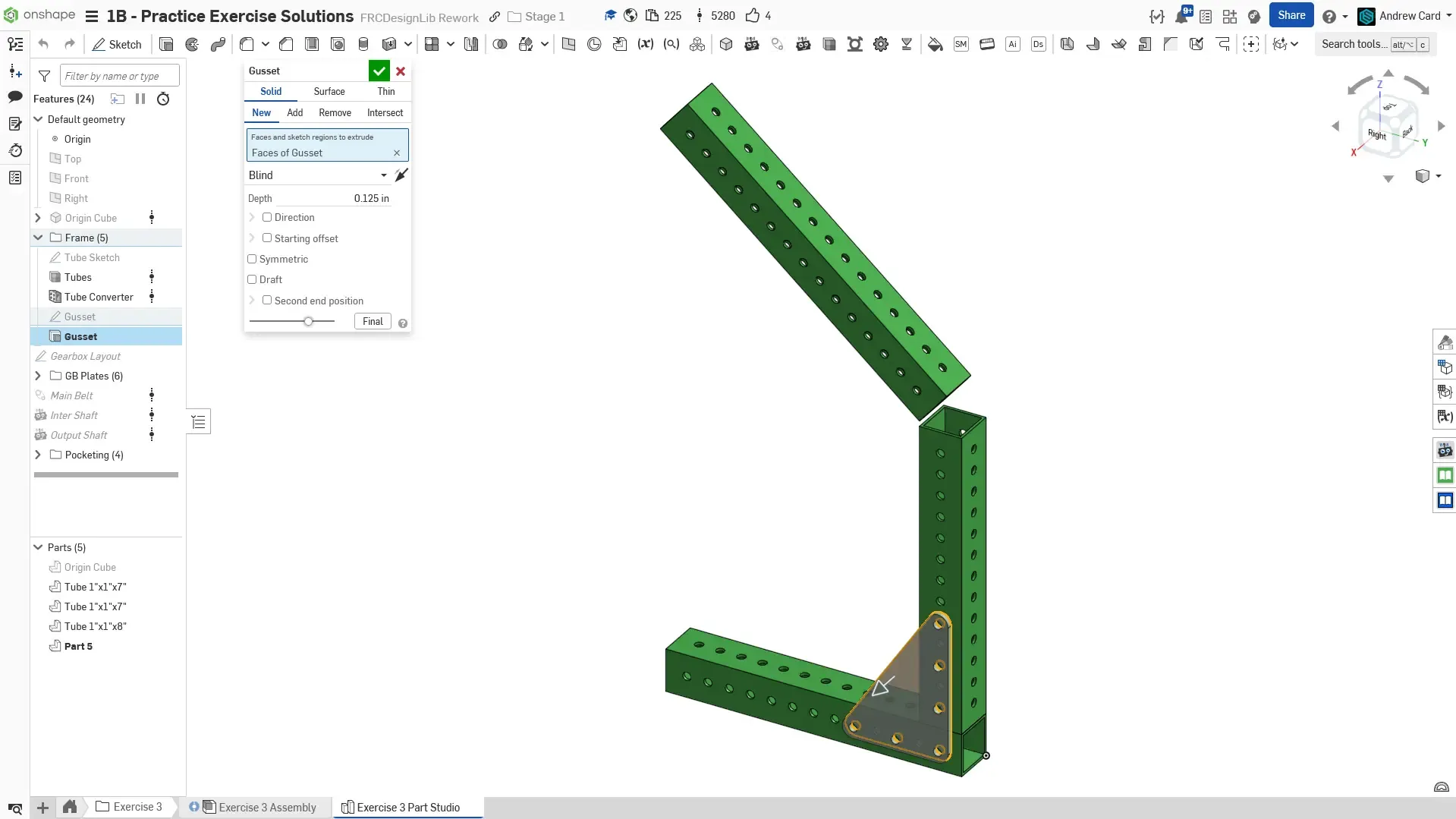
Extrude the gusset
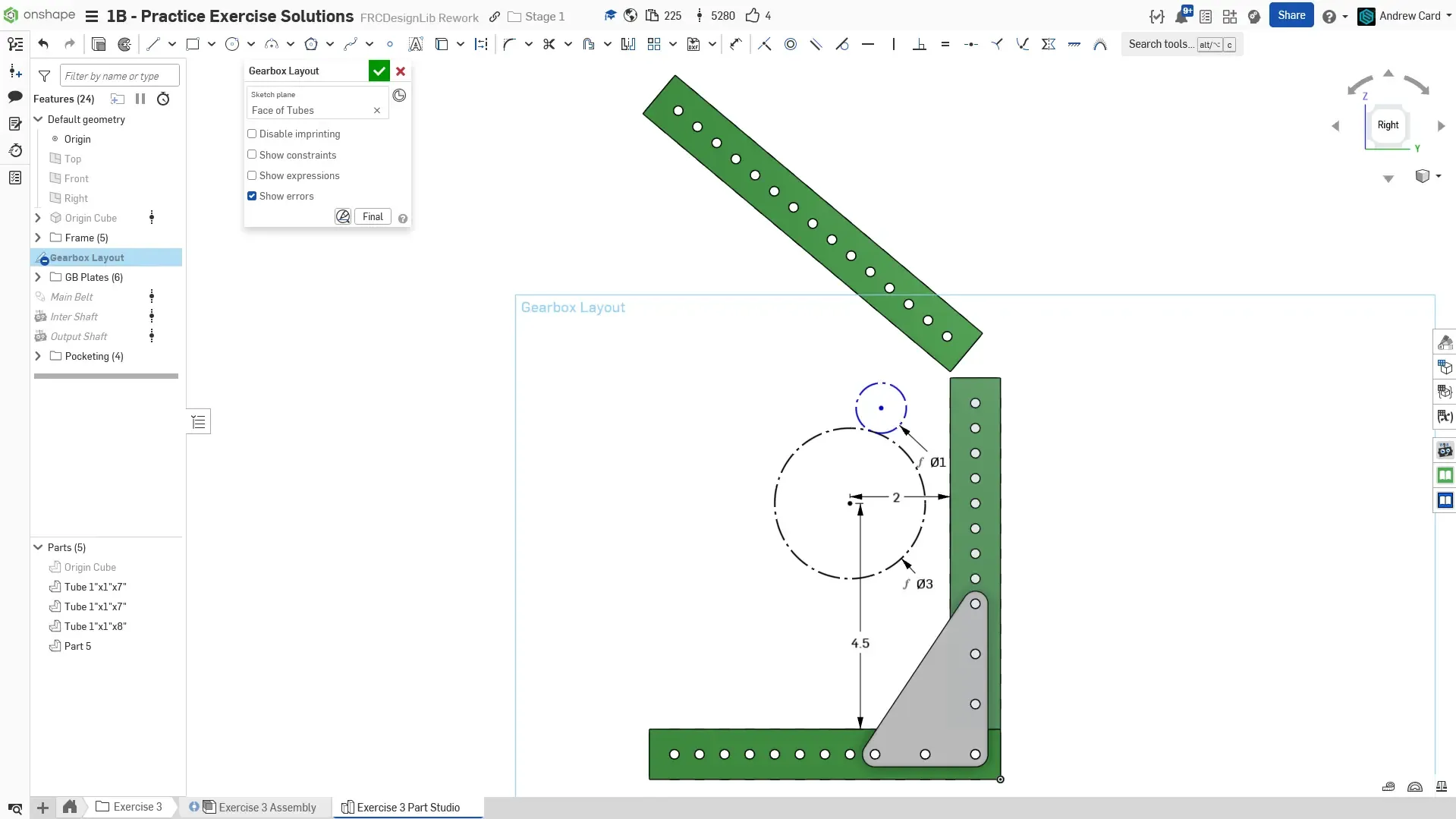
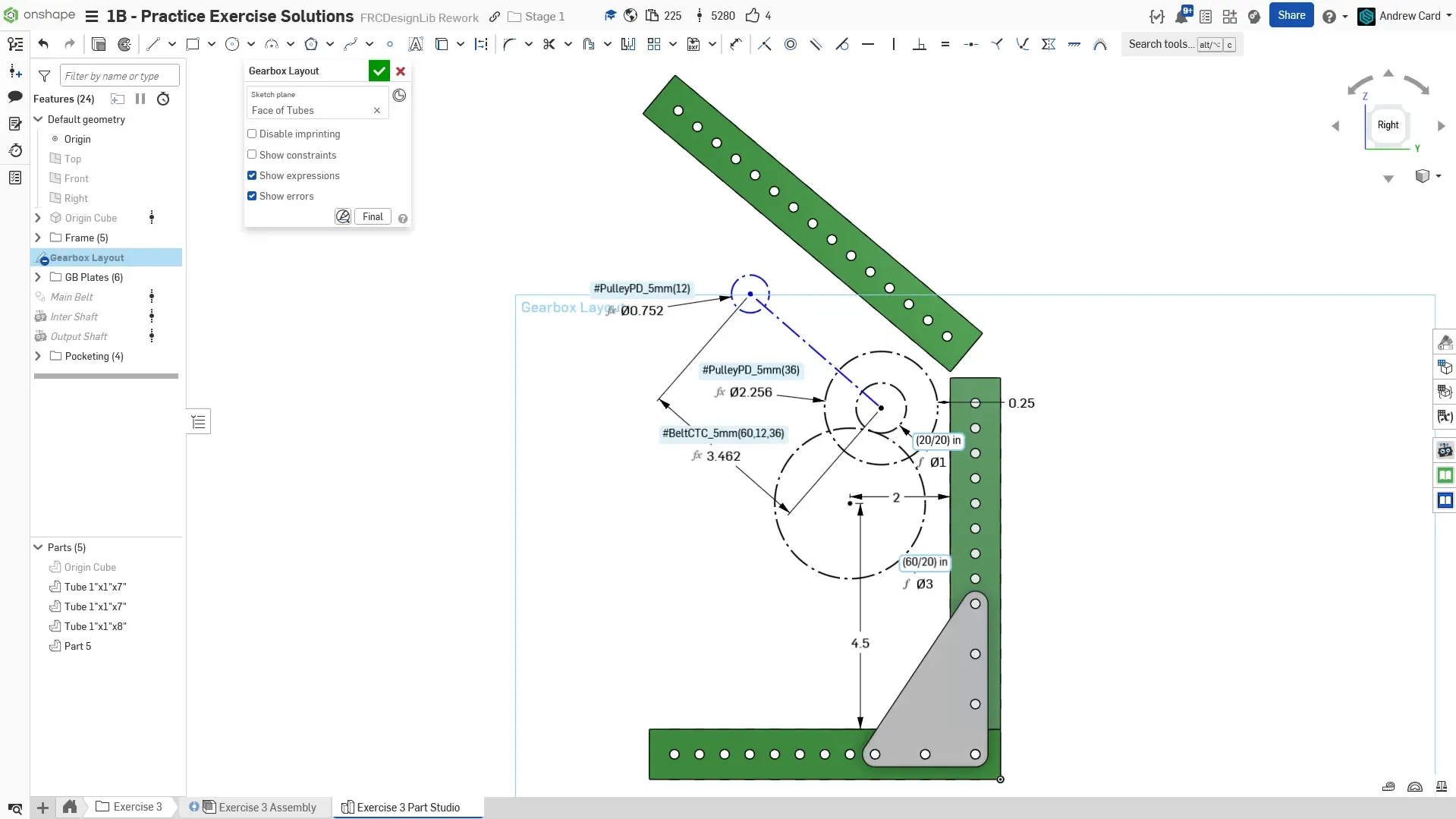
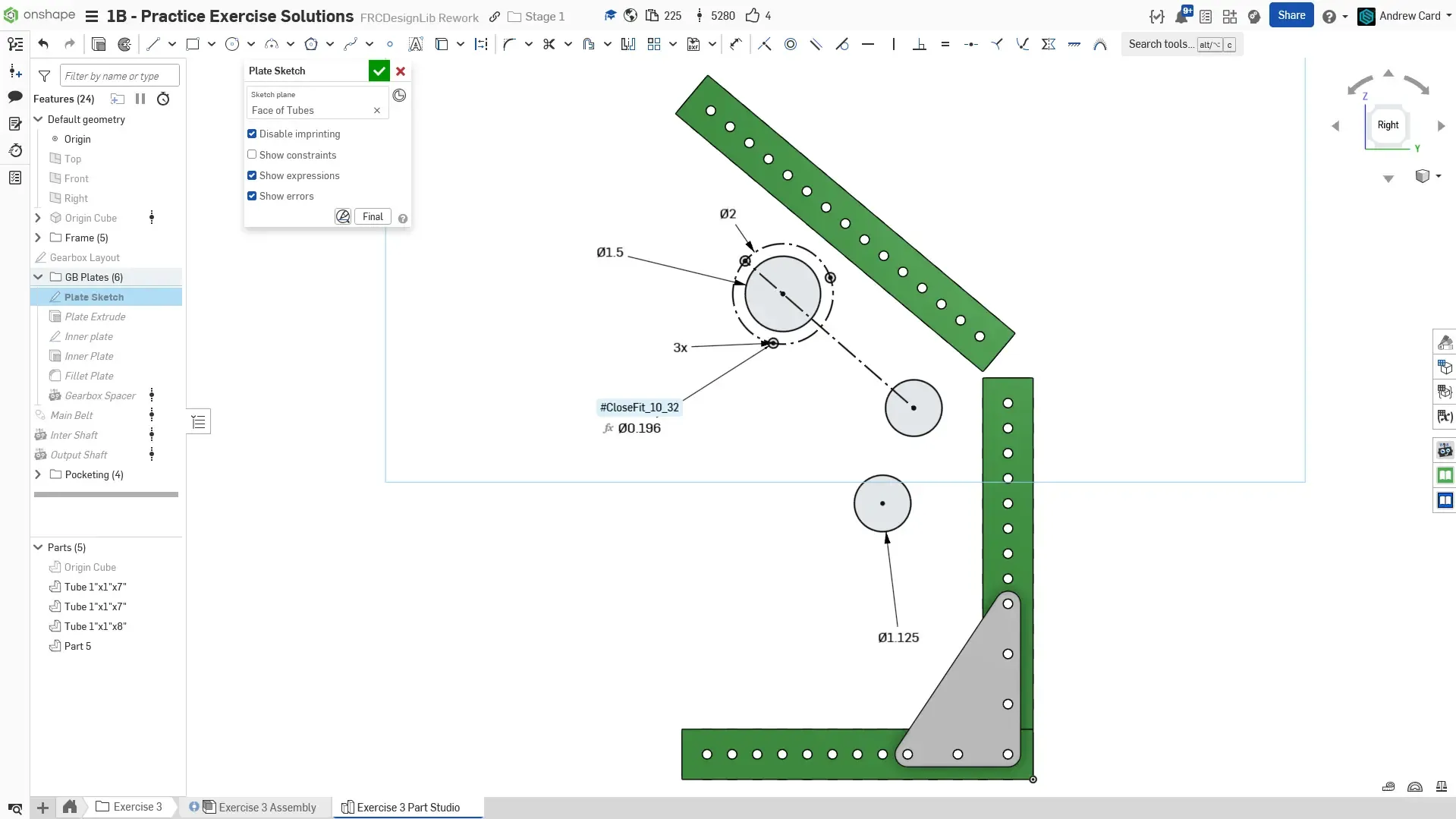
Create the gearbox layout sketch on the outer face of the bottom tube. Begin by drawing the two gears, a 60T and 20T gear. The 60T gear is the output, and we would like to constrain it to a specific location given by the 2” and 4.5” dimensions.
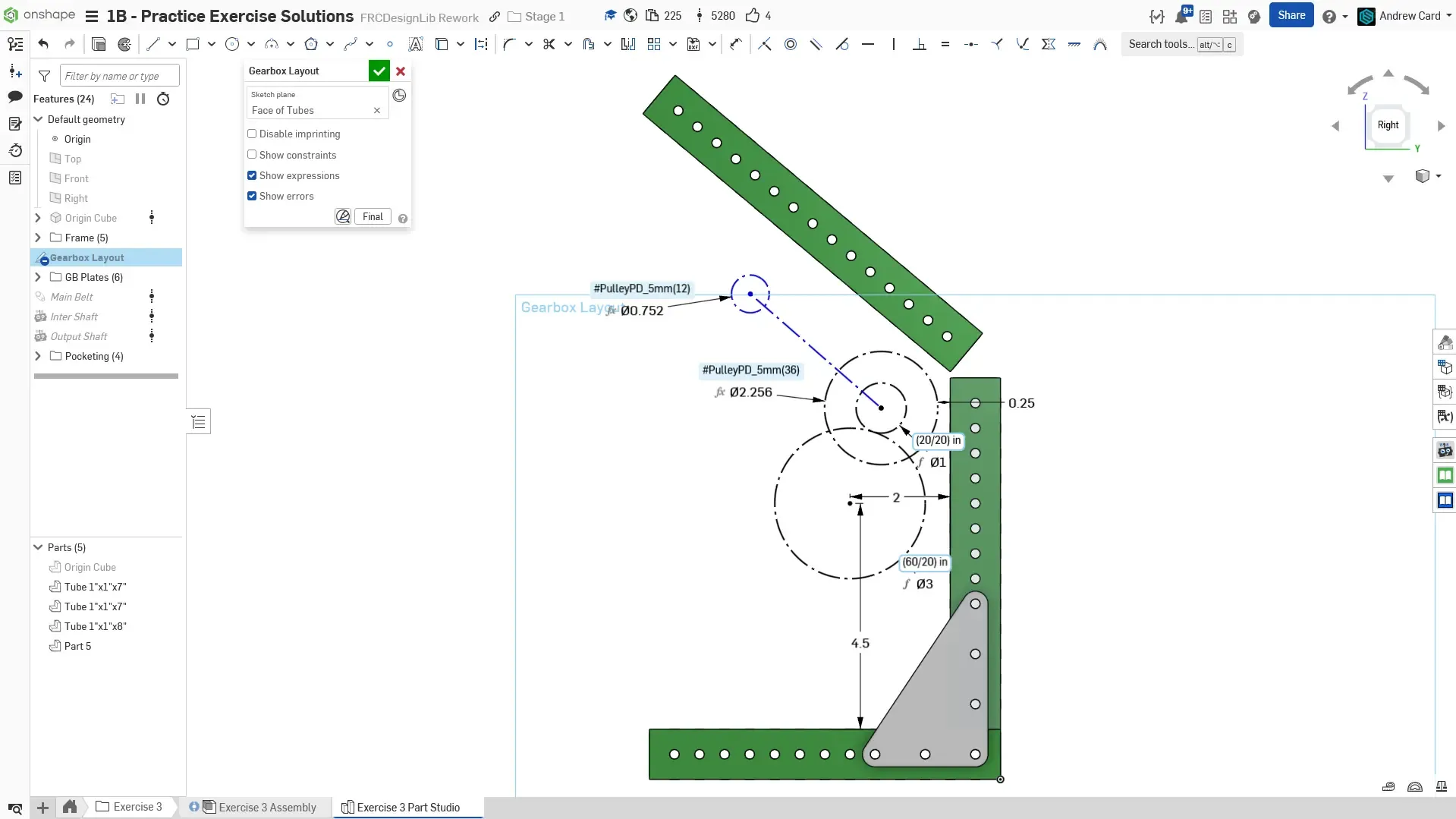
Next, draw the 5mm pitch 12T and 36T pulleys. Use a line to connect the two pulleys. Use the #PulleyPD_5mm() function from the Origin Cube featurescript you inserted at the beginning to calculate the pitch diameters of the pulleys. Also space the 36T pulley to be 0.25” from the vertical tube. This step fully constrains the location of the gears.
Add the belt c-c to the layout sketch for a 60T HTD5 belt using the #BeltCTC_5mm() function.
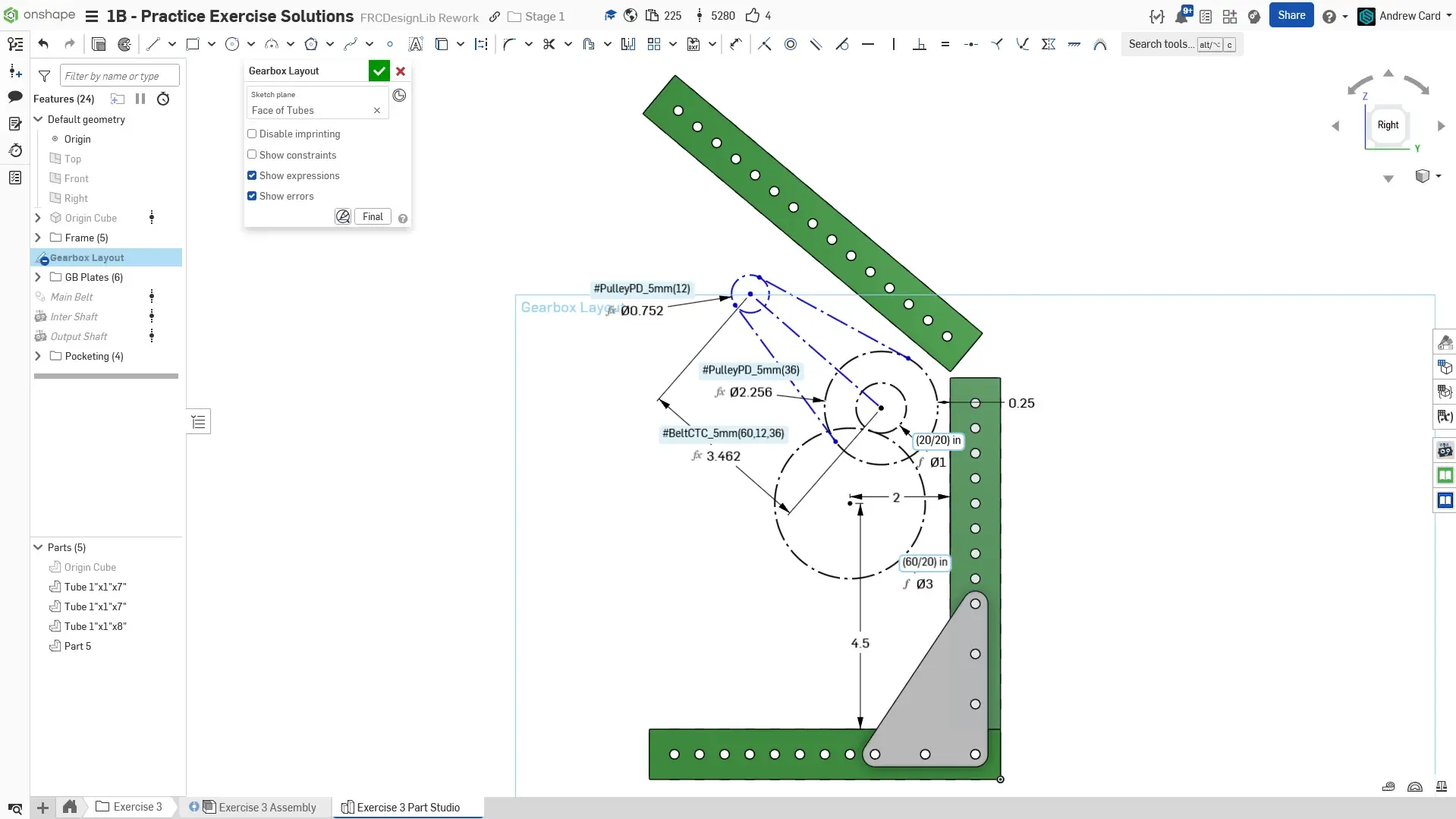
Optionally draw two tangent lines to connect the two pulley circles. This represents the belt.
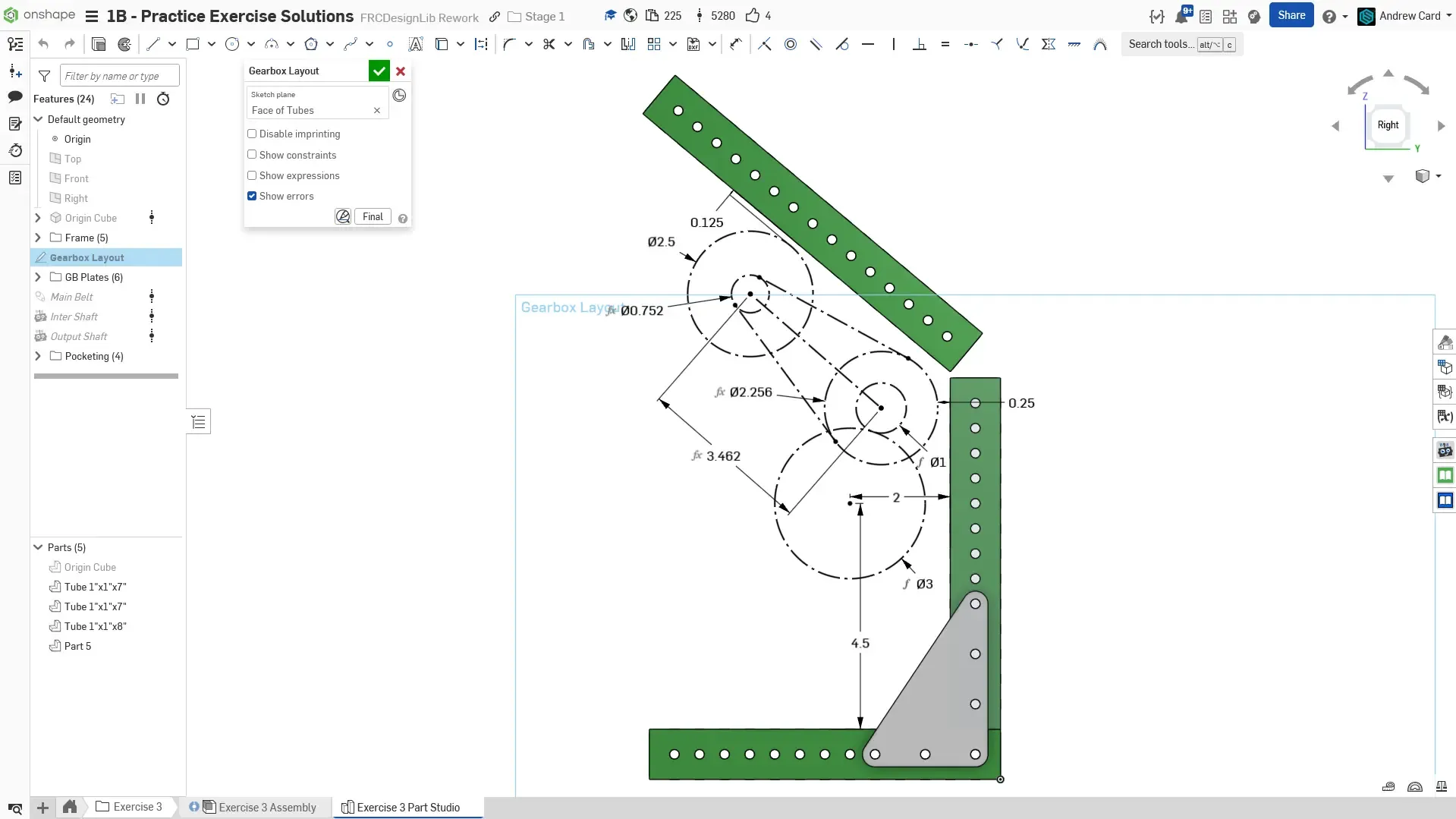
Finally, sketch a 2.5” circle for the motor. Space the motor to be 1/8” away from the slanted tube. The layout sketch is now fully defined.
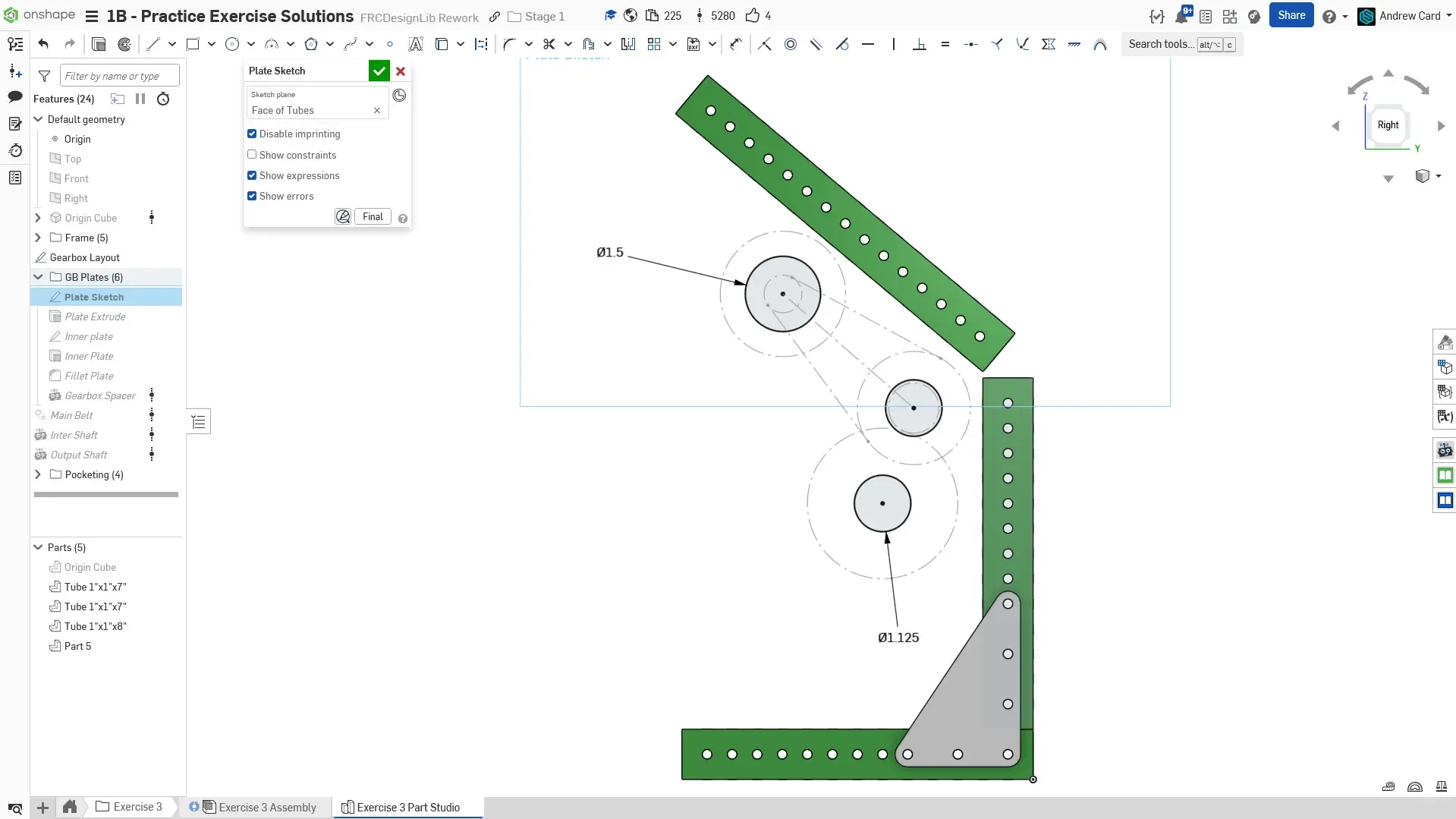
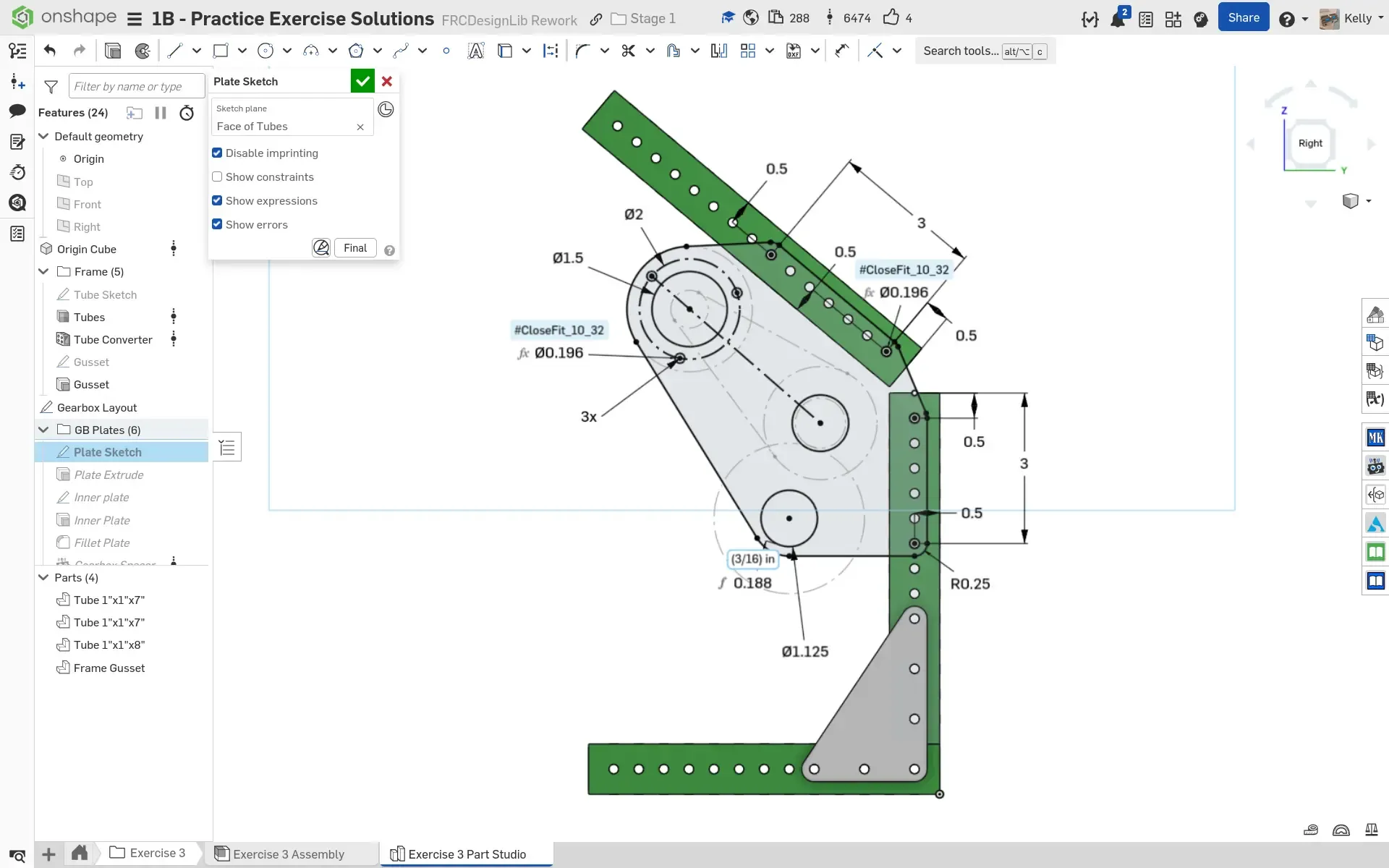
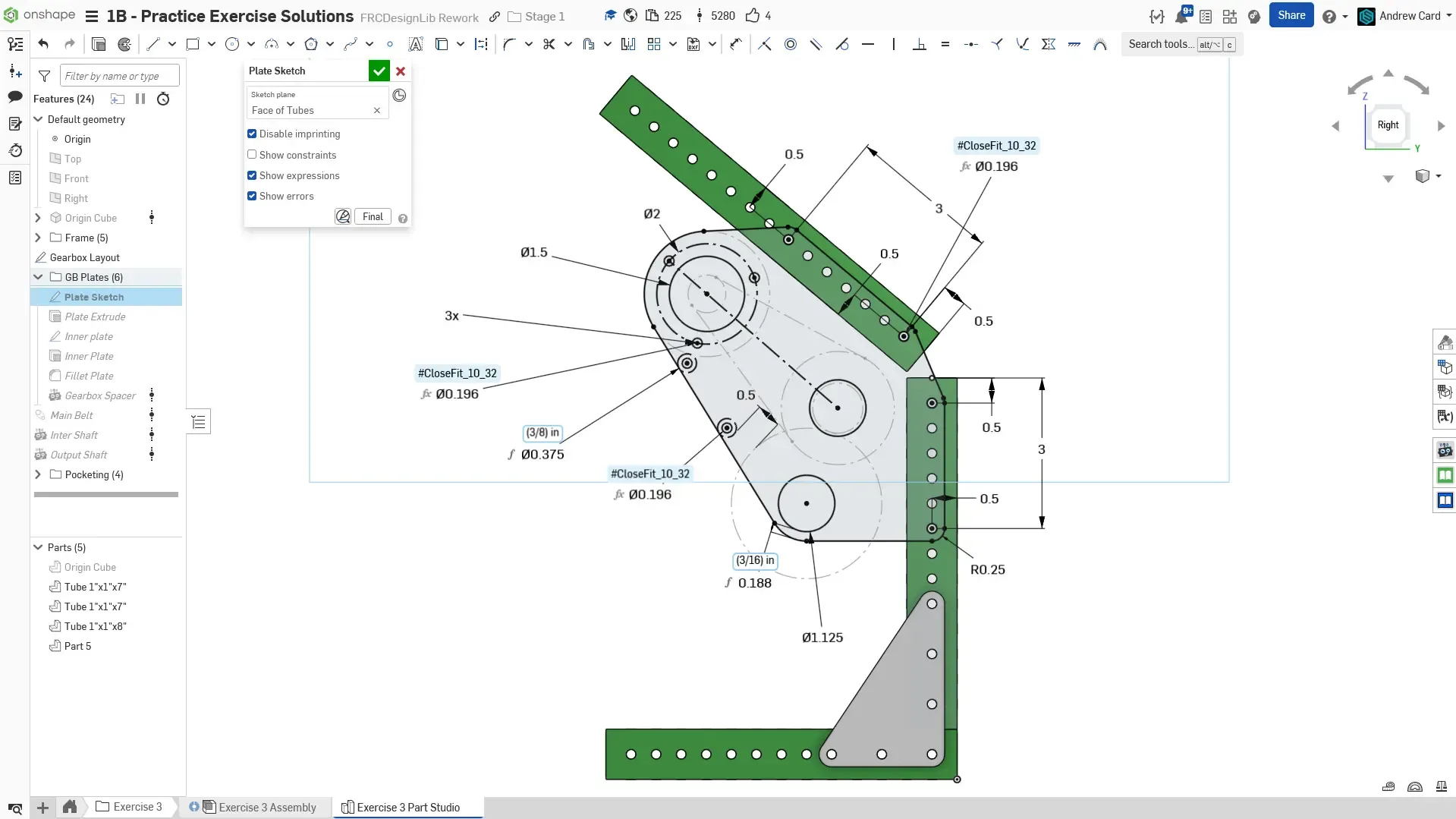
Create the plate sketch on the outer face of the bottom tube. Begin by drawing the two 1.125” diameter bearing holes. Add a 1.5” hole for the motor boss so that the 12T pulley on the motor can fit through the hole to assist with real life assembly. This will become more clear when you create the gearbox assembly.
Add a 2” bolt circle for the motor with a circular pattern. Constrain the center of the top left hole to be coincident with the center line between the pulleys (coincident uses an infinite extension of the line)
Add the tube mounting holes for the plate. Note that the holes reference the edges of the tube and not the holes on the tube. This is to make the model more parametric, as changes in the tube can change the locations of the holes and break the gearbox plate sketch.
Draw the outline for the plate using centerpoint arcs and tangent lines. Space the bottom of the plate 0.25” from the edge of the pitch circle for the 60T gear.
Add two holes for spacers. The construction circles represent the 3/8” diameter spacer. The top hole is tangent with the left edge of the plate and tangent with the 2.5” motor circle.
Extrude the plate to be 1/4” thick.
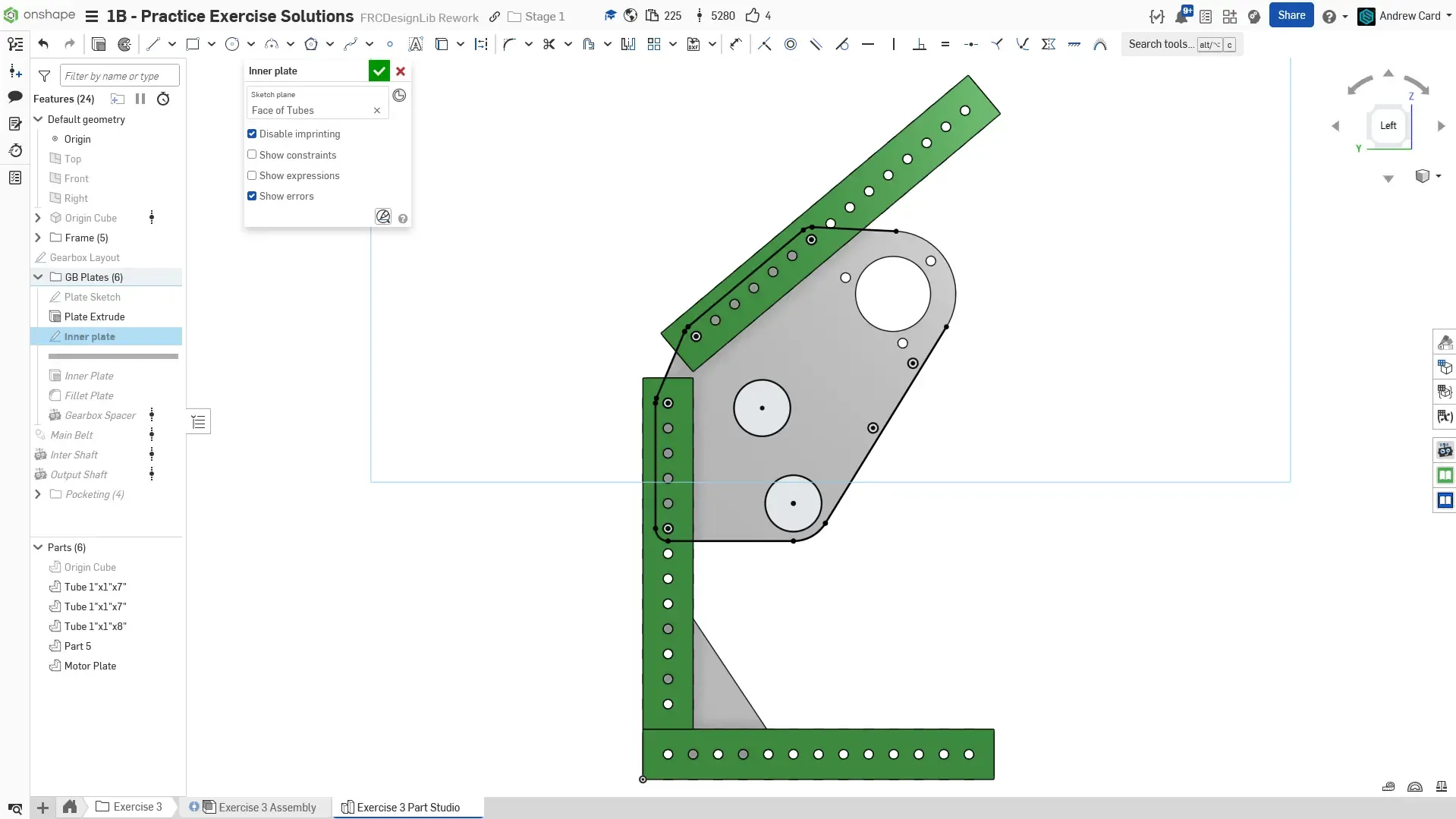
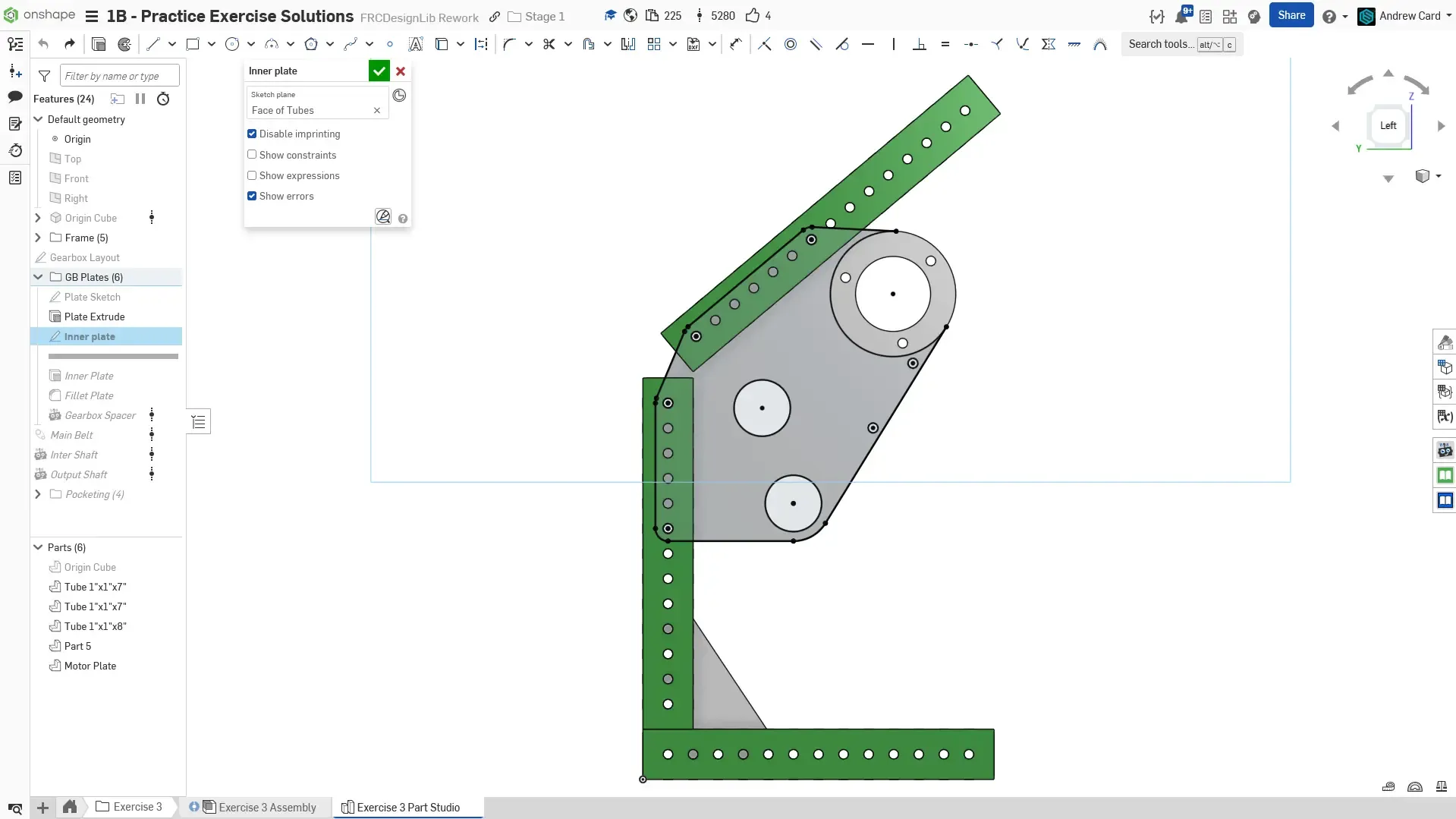
On the opposite side, create a sketch for the inner plate. Utilize the Use sketch feature to copy over common geometry (holes, outline). Do not copy the motor holes, as there will be a cutout on the inner plate for the body of the motor.
Finish the outline of the plate by adding an arc for the motor cutout.
Extrude the inner plate to be 1/4” thick.
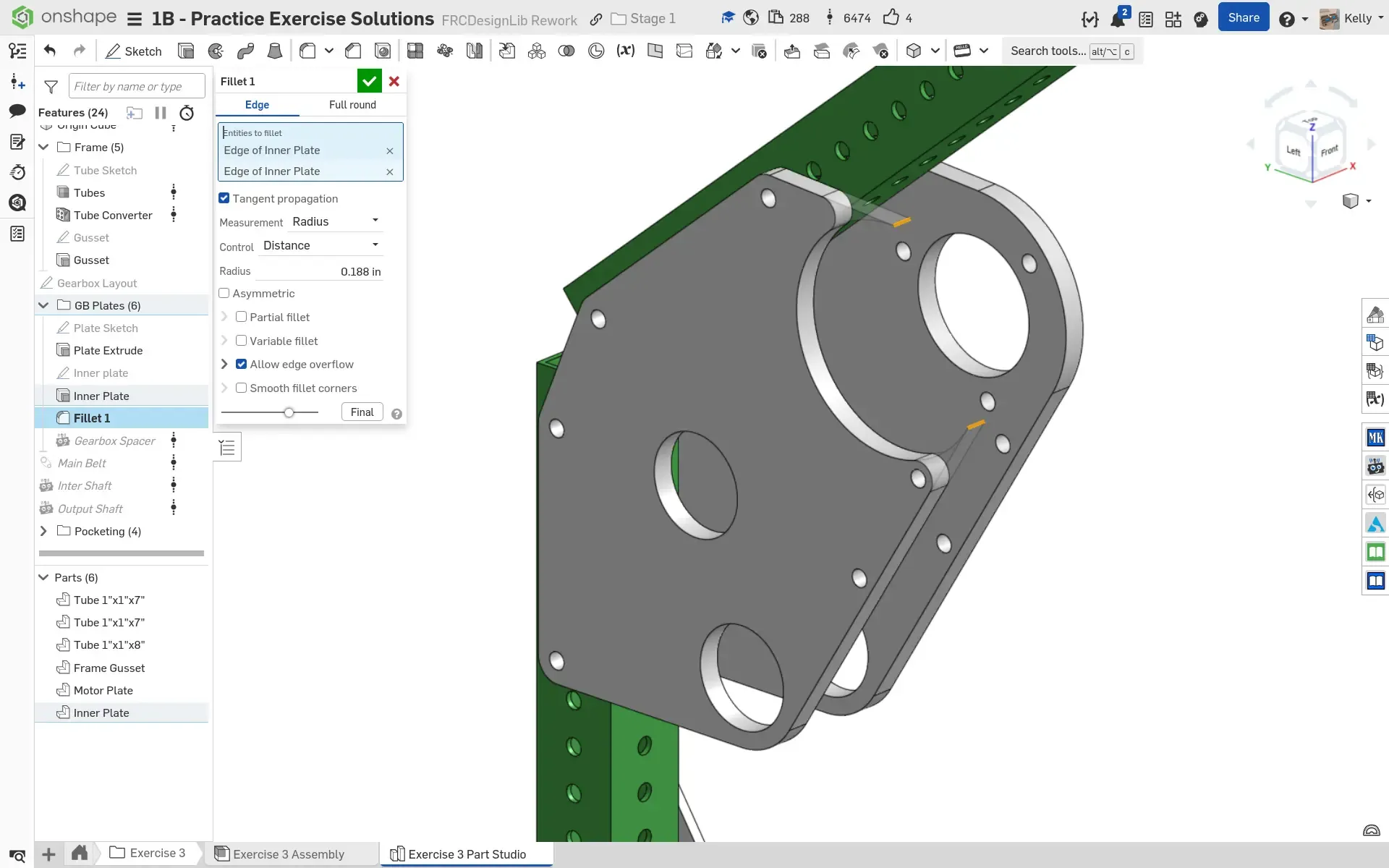
Add a 3/16” radius fillet on the two edges for the motor cutout. The radius is selected to match the 3/8” diameter spacer.
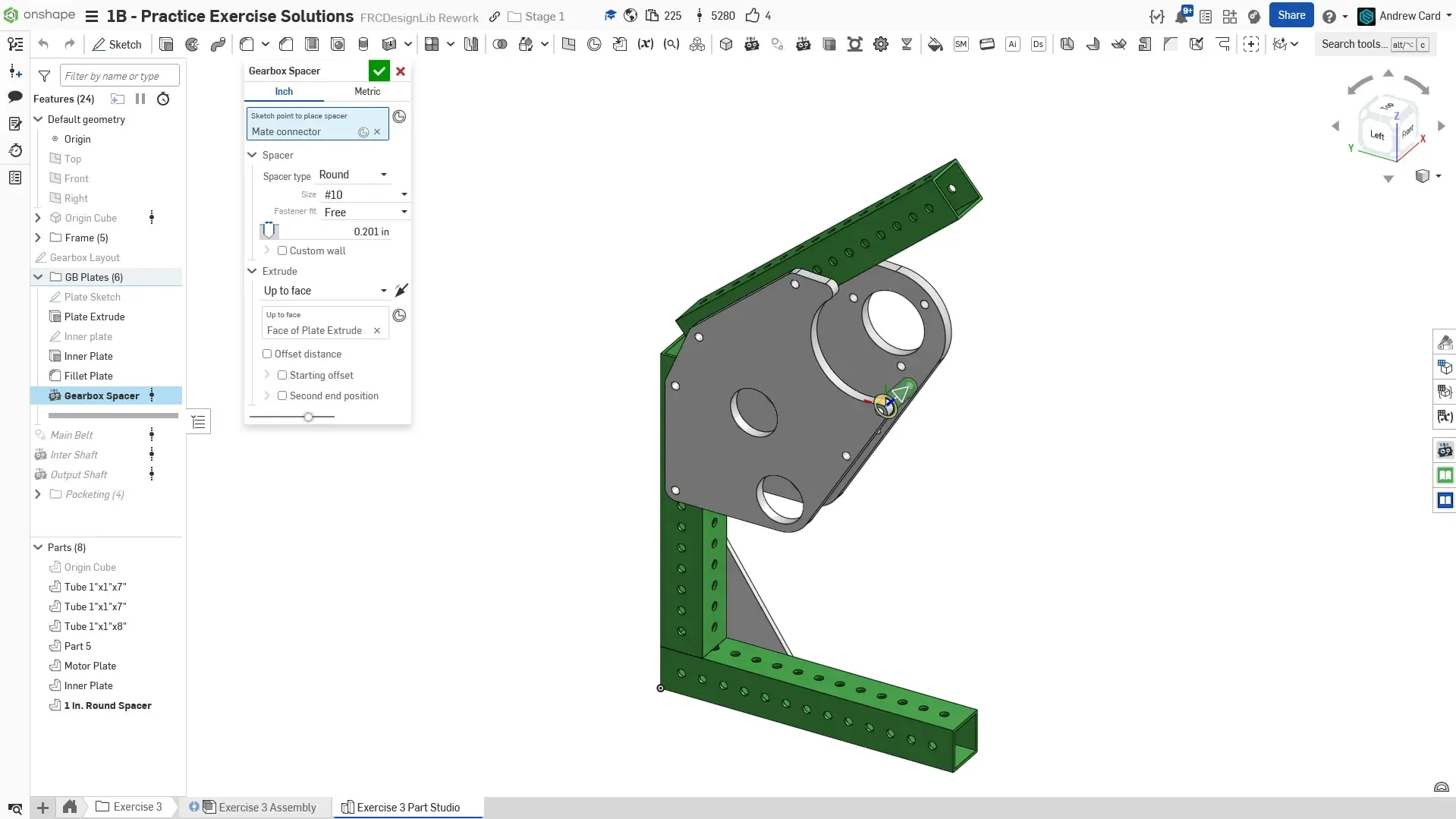
Model the 3/8” diameter spacer. The Up to Face end condition can be utilized to keep the spacer length parametric.
Use the Belt & Chain Gen Featurescript to create a model of the belt. The pitch of the belt is 5mm and the width is 9mm. Offset the reference plane by 0.5” so that the belt does not collide with the plate. Keep the belt simplified, as turning on teeth modeling will slow down the part studio. Notice that the Belt & Chain Gen Featurescript also calculates the pitch length of the belt which allows us to verify that we calculated the correct C-C in step 7 and 8.
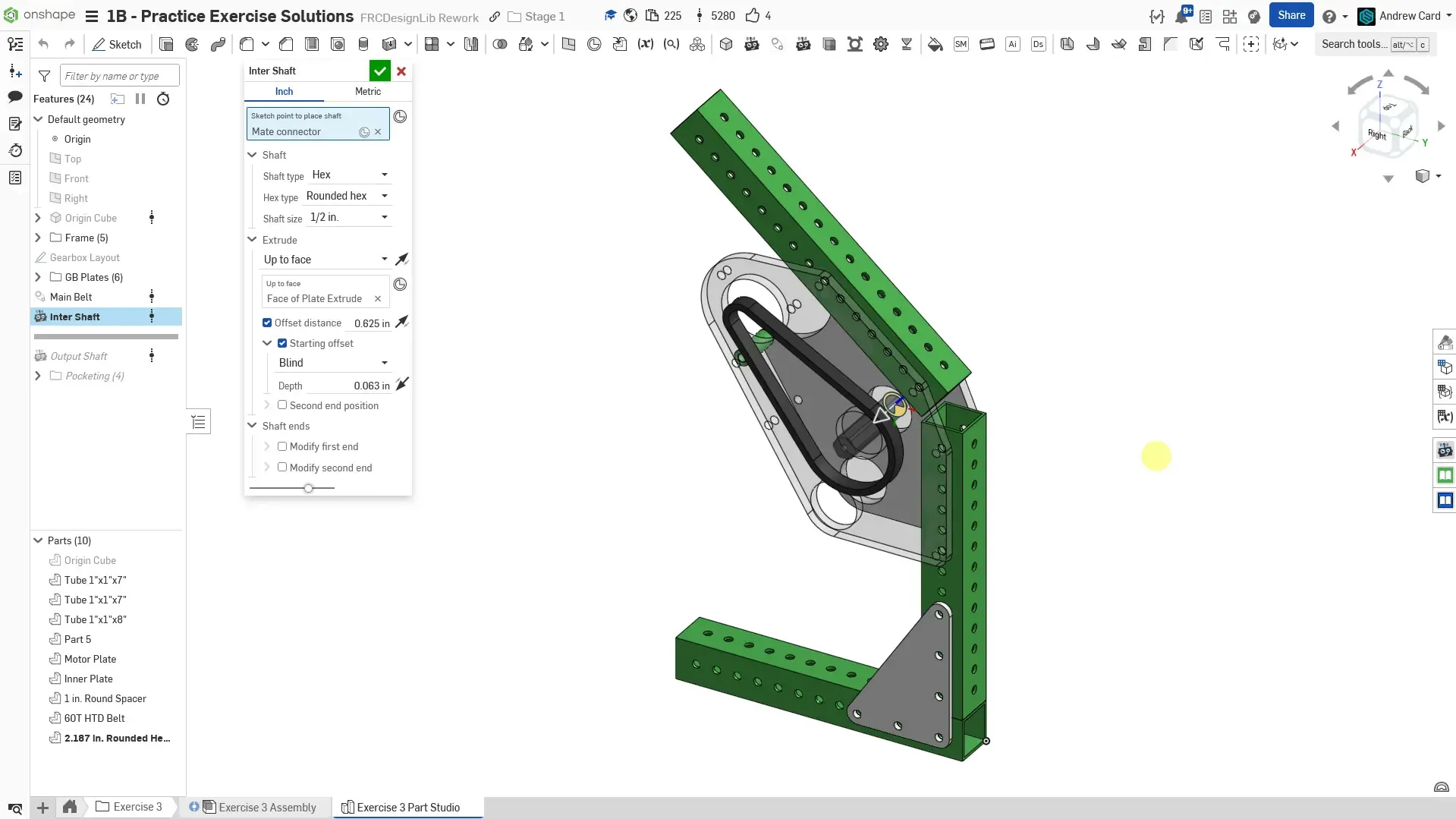
Use the Robot Shaft Featurescript to create the 1st stage shaft.
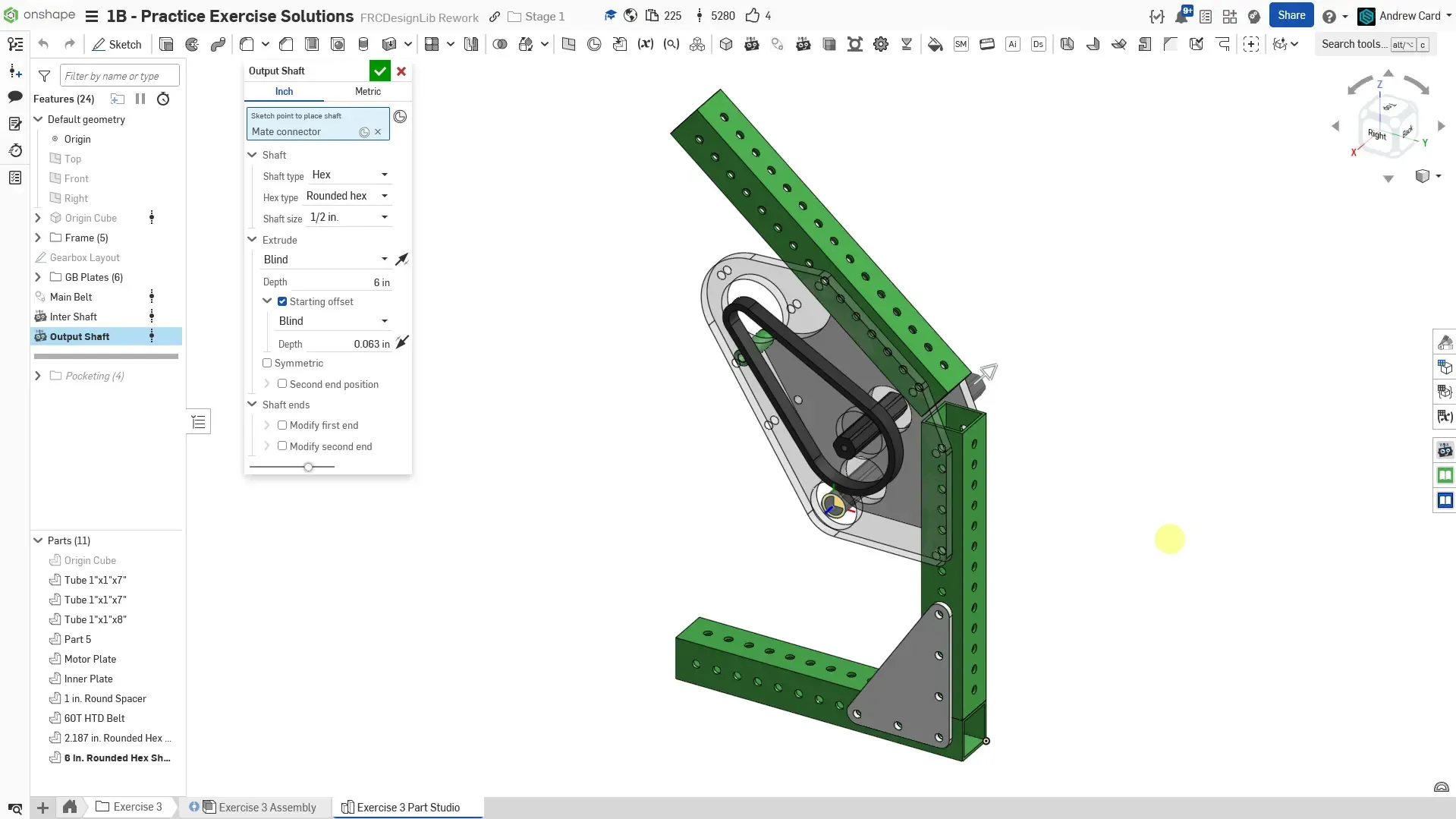
Use the Robot Shaft Featurescript to create the output shaft.
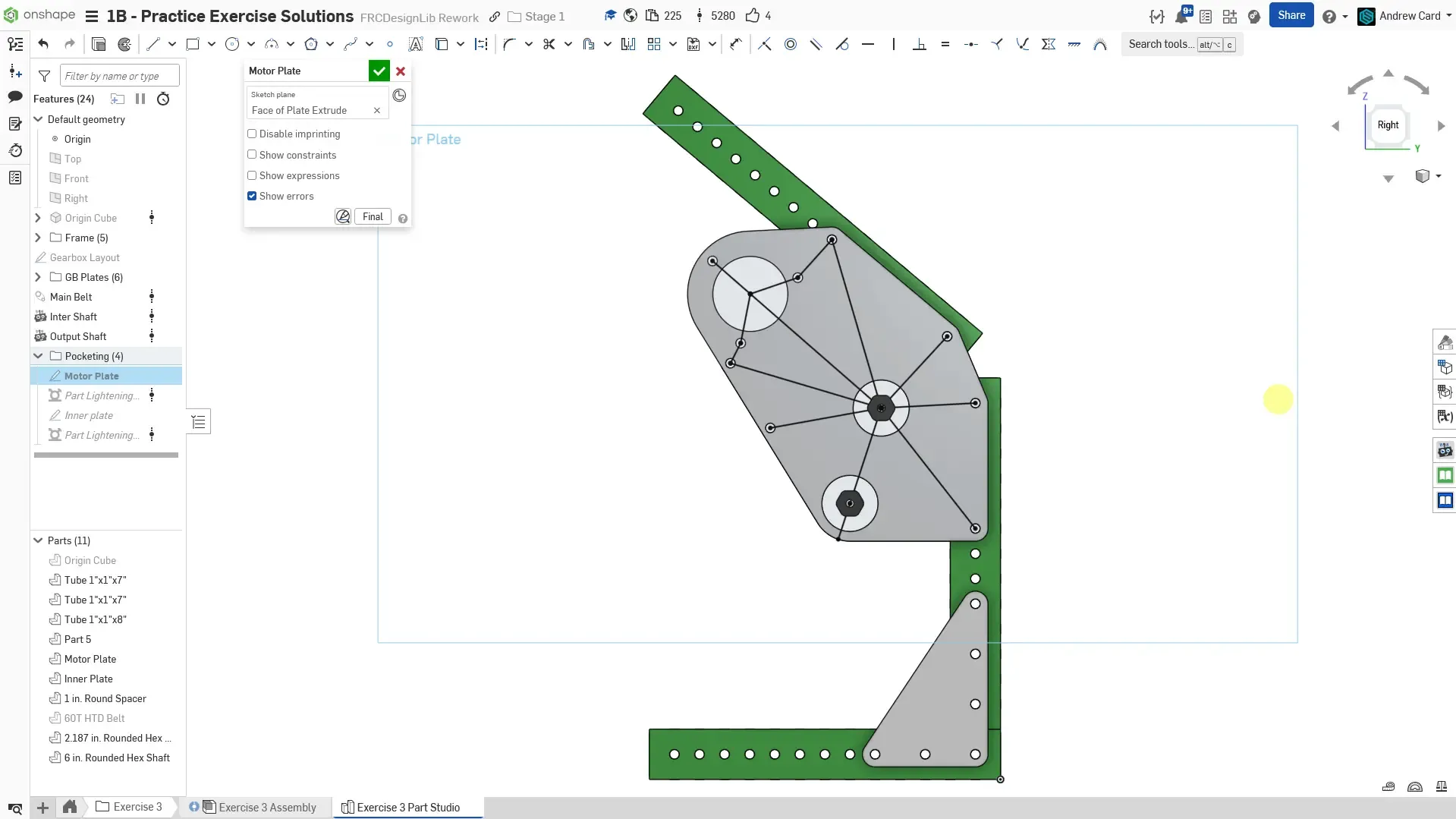
Optionally pocket the plates. To begin, create a sketch on the outer face of the motor plate and draw lines to create the struts.
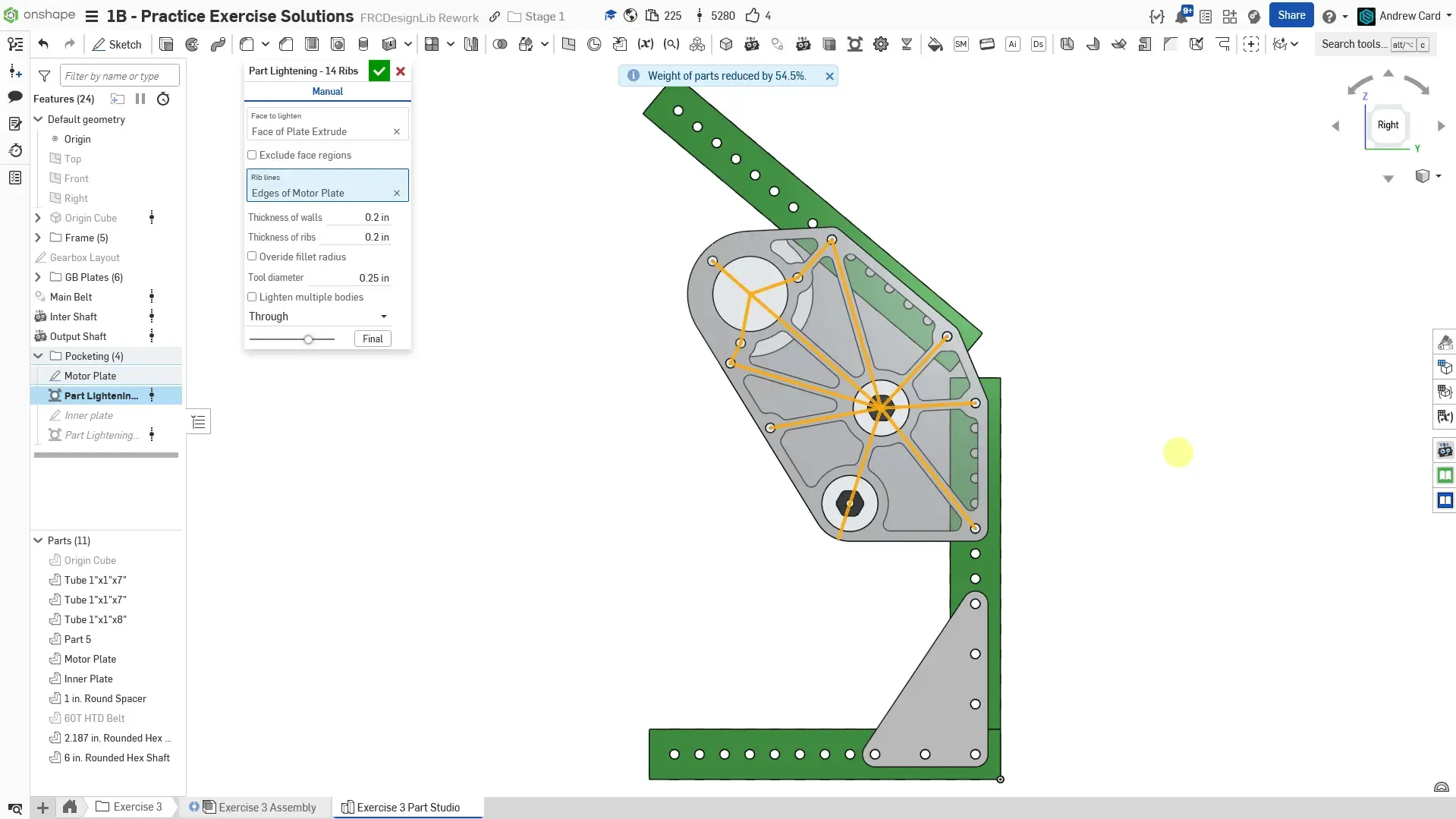
Use the Part Lighten Featurescript to add the pocketing by selecting the previous sketch. Use 0.15” wide ribs and 0.26” tool diameter.
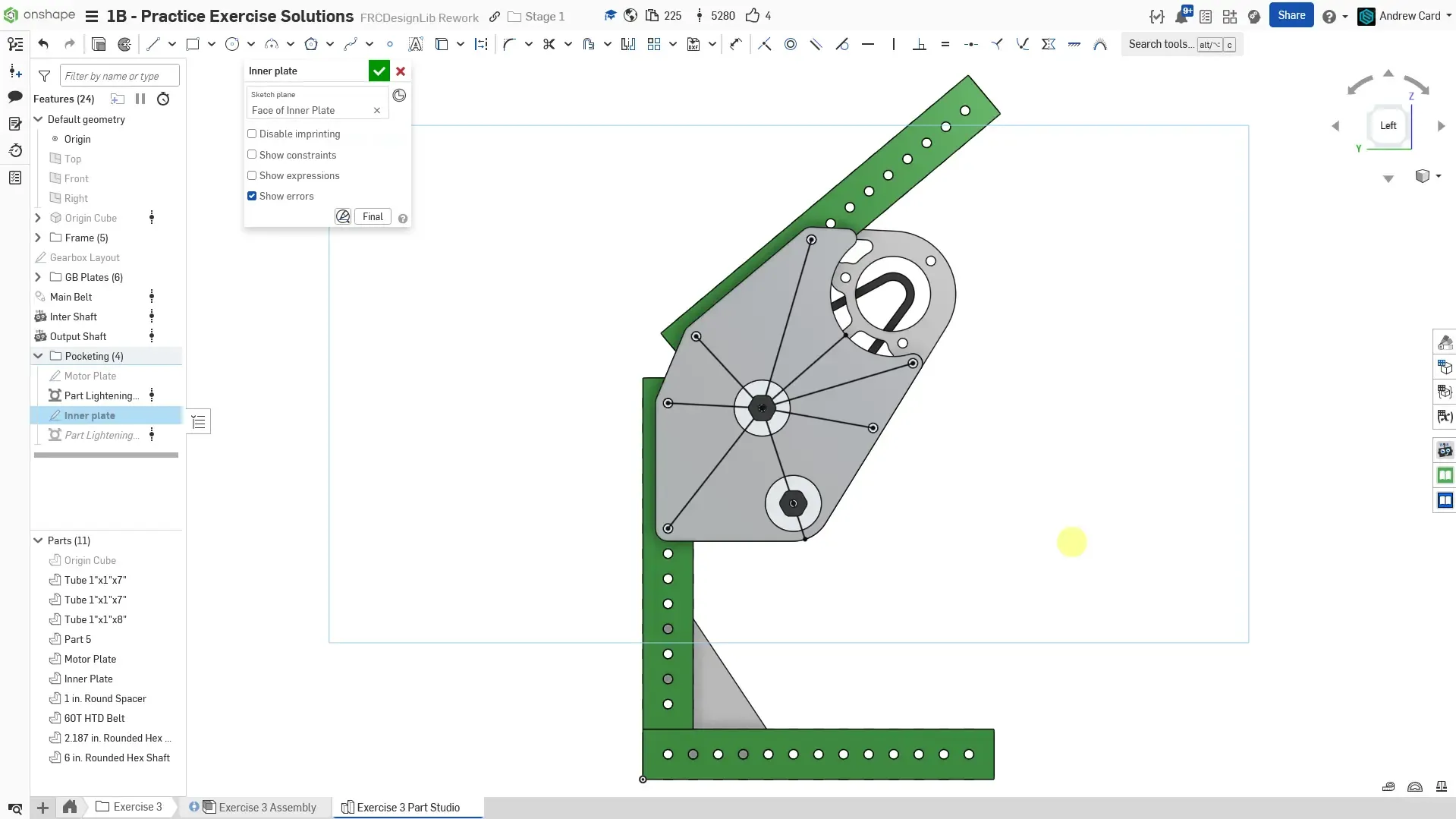
Create a sketch on the inner plate and draw the strut lines. You can utilize the Use sketch feature to copy over strut lines from the motor plate pocketing sketch.
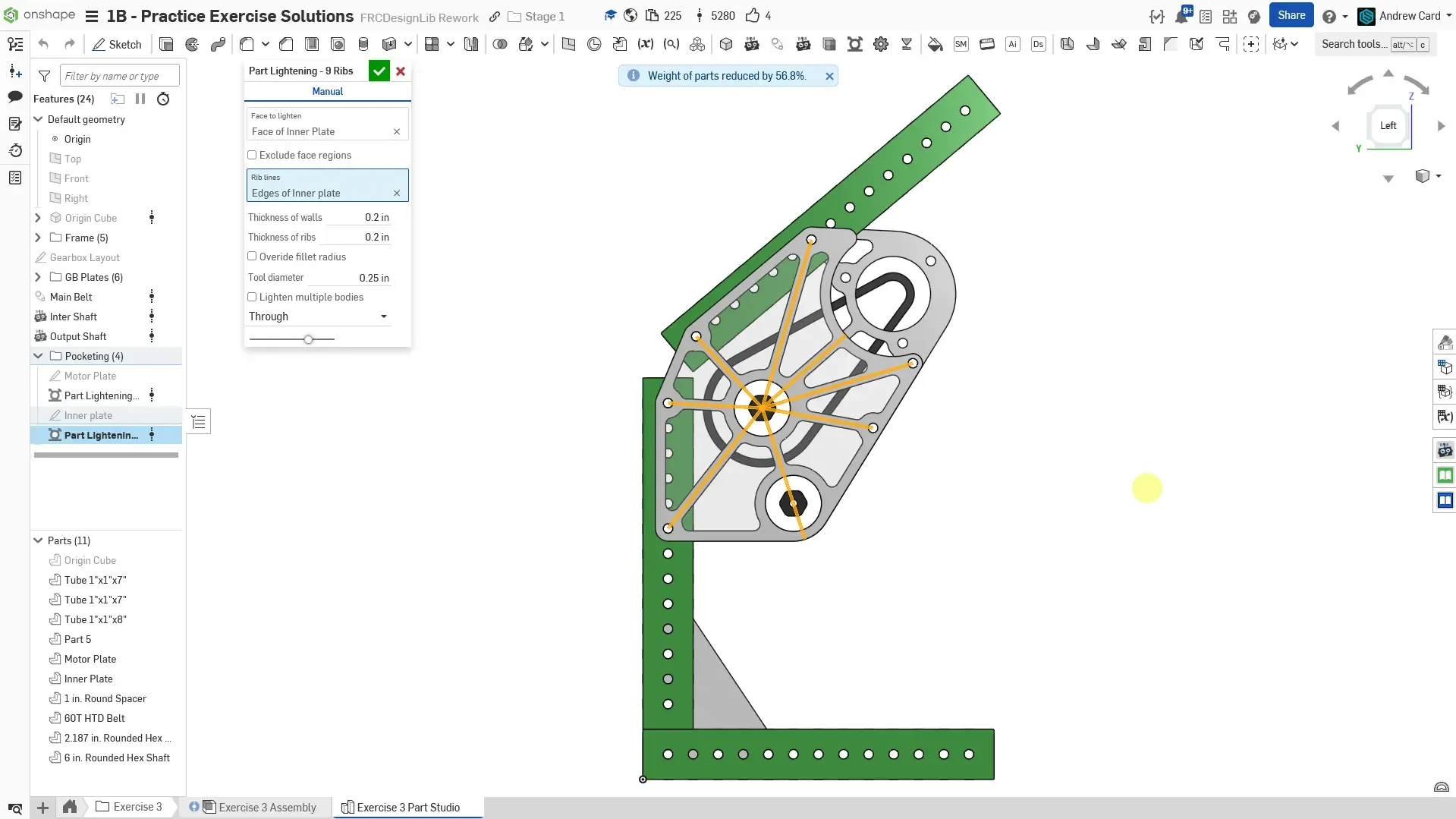
Use the Part Lighten Featurescript to add the pocketing by selecting the previous sketch. Again, use 0.15” wide ribs and 0.26” tool diameter.
Finished part studio. Name the key sketches and parts. Set the material of the plate and spacers to 6061 Aluminum. The tube, gusset, and shafts should have their material automatically set already.